A100 GPU: A Practical Guide to Accelerated Computing
Exploring GPU acceleration, memory capacity, AI development, and scalable computing environments.
Artificial intelligence and data-intensive applications are changing the way businesses develop software, analyze information, and solve complex problems. From training machine learning models to performing scientific simulations, these workloads often require substantial computing resources. As datasets become larger and models become more sophisticated, selecting suitable hardware becomes an important part of infrastructure planning.
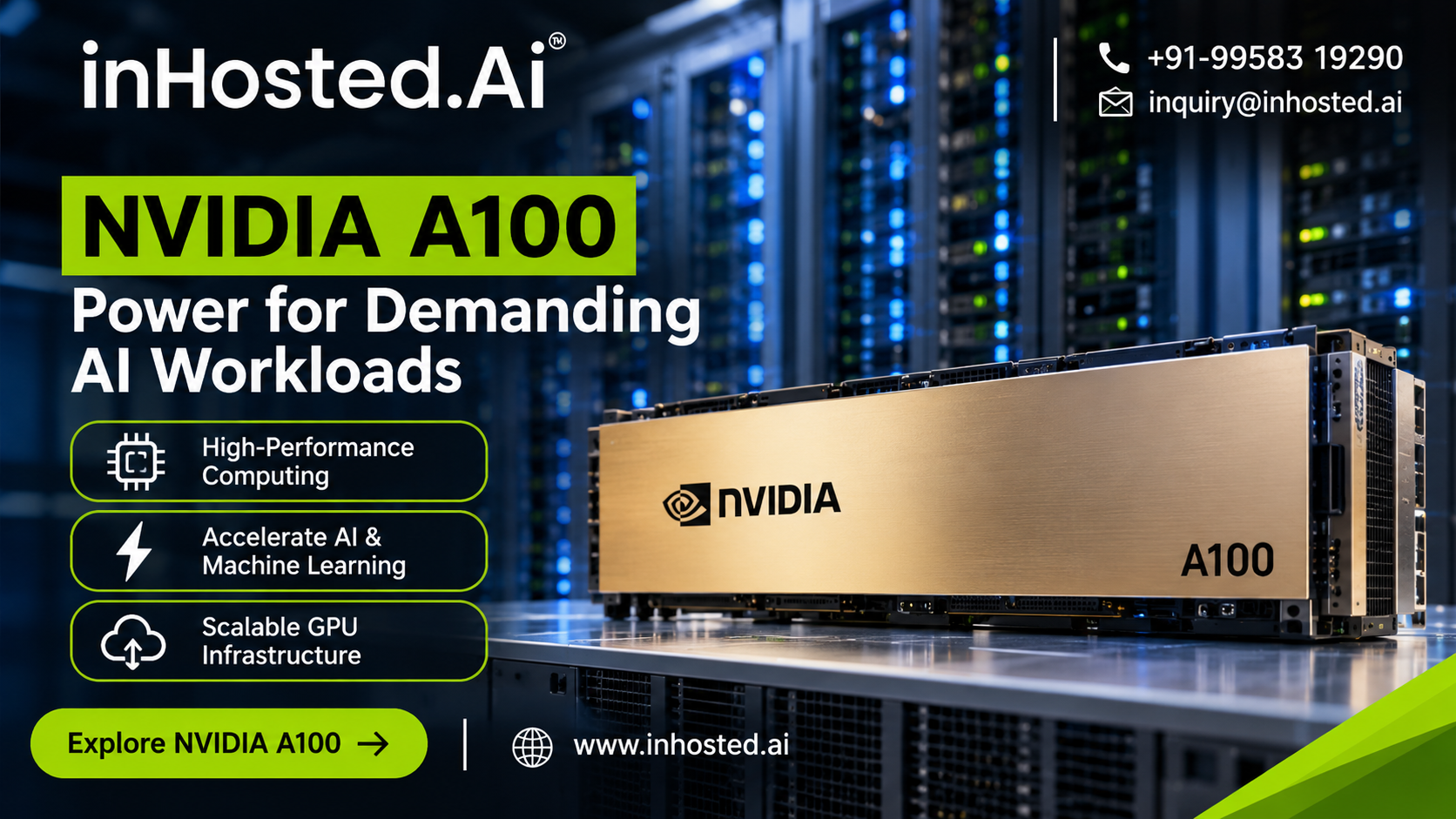
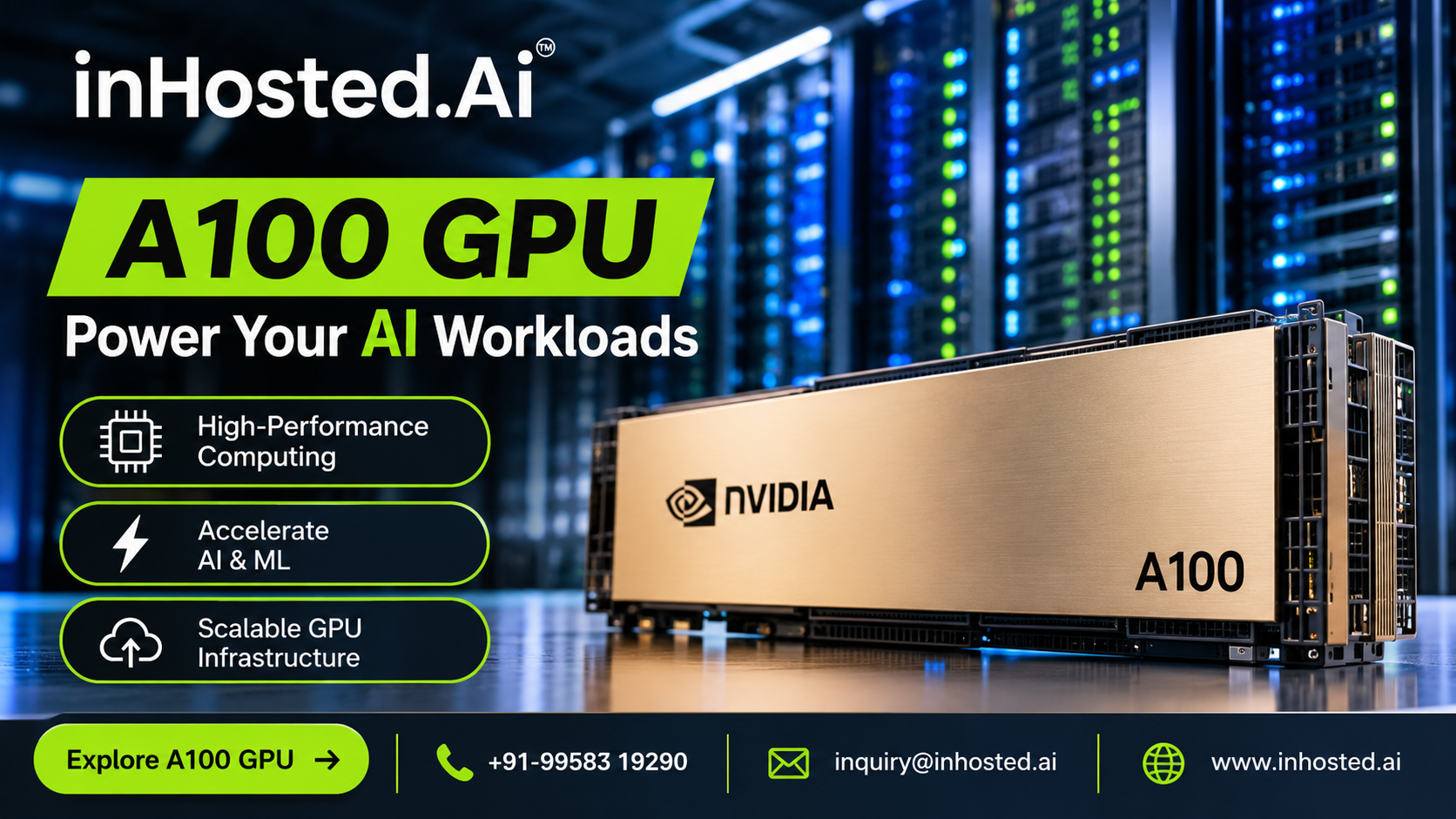
An A100 GPU is designed for demanding computing environments where parallel processing can accelerate complex calculations. Developed by NVIDIA using its Ampere architecture, the A100 is a data center GPU used in artificial intelligence, deep learning, scientific research, and high-performance computing.
Understanding its capabilities, memory configurations, and practical applications can help developers and businesses determine whether this hardware is appropriate for their projects.
What Is an A100 GPU?
An A100 GPU is a specialized processor designed to handle computational workloads that benefit from parallel execution. Unlike a conventional CPU, which is optimized for a broad range of tasks, a GPU can execute many calculations simultaneously.
This characteristic makes GPUs particularly useful for mathematical operations frequently found in machine learning, neural networks, and scientific computing.
The NVIDIA A100 includes specialized Tensor Cores that accelerate supported matrix and tensor operations. These operations are important in many artificial intelligence applications, including model training and inference.
The GPU is available in different memory configurations, including 40 GB and 80 GB variants. The suitable configuration depends on the size of the model, the amount of data being processed, and the application's memory requirements.
Although processing power is important, overall performance also depends on software optimization, memory bandwidth, storage throughput, and the configuration of the surrounding server.
Why GPU Acceleration Matters
Many modern computing workloads involve repeating similar mathematical operations across large amounts of data.
For example, training a neural network requires repeated calculations involving model parameters, input data, and error gradients. These operations can be computationally intensive when performed on large datasets.
GPU acceleration distributes compatible calculations across multiple processing units, helping applications complete certain workloads more efficiently.
Organizations may use accelerated computing for:
Training machine learning models. Developing computer vision applications. Processing large datasets. Running scientific simulations. Building natural language processing systems. Performing complex mathematical calculations. Executing supported AI inference workloads.
The actual performance improvement depends on how effectively an application uses the GPU. Workloads dominated by sequential operations, slow data access, or inefficient software may not benefit as much as highly parallel applications.
A100 GPU for Artificial Intelligence
Artificial intelligence development often requires significant computational resources, especially when models contain large numbers of parameters or are trained using extensive datasets.
The A100 supports compatible AI workloads through its parallel computing architecture and specialized tensor-processing capabilities.
AI Model Training
Model training involves processing examples, calculating predictions, evaluating errors, and updating model parameters over repeated iterations.
An appropriate GPU environment can accelerate these calculations, allowing development teams to experiment with model architectures and training configurations.
Researchers should evaluate GPU memory requirements, batch size, numerical precision, and data-loading performance before choosing a configuration.
Deep Learning
Deep learning systems use neural networks to identify patterns in images, text, audio, and other data.
The A100 can support compatible neural network workloads, including image classification, object detection, speech-related applications, and natural language processing.
Performance varies according to the model architecture, framework, and implementation. Benchmarking a representative workload is therefore more useful than relying on hardware specifications alone.
AI Inference
Inference occurs when a trained model processes new information to produce a prediction or result.
Examples include generating predictions, classifying images, and responding to supported AI application requests.
Inference workloads may have different requirements from training workloads. Some prioritize low latency, while others emphasize processing a high volume of requests.
Businesses should select their GPU configuration based on the expected workload and service requirements.
Understanding GPU Memory
Memory capacity is an important consideration when selecting accelerated computing infrastructure.
A GPU needs sufficient memory to store model parameters, input data, intermediate calculations, and other information required during execution.
The NVIDIA A100's 40 GB and 80 GB configurations offer different memory capacities for compatible workloads.
A larger memory configuration may be beneficial when working with larger models, longer input sequences, or larger batches. However, additional memory does not automatically guarantee better performance for every application.
Developers should assess their workload's peak memory consumption and leave sufficient capacity for temporary allocations and other processing requirements.
Memory bandwidth also matters because the GPU must move information between memory and processing units. Workloads that frequently access large amounts of data can be sensitive to memory performance.
Understanding these factors helps organizations choose hardware that meets their needs without unnecessarily increasing infrastructure costs.
Applications Beyond Artificial Intelligence
Although AI is a major use case, the A100 also supports other forms of accelerated computing.
Scientific Research
Researchers can use compatible GPU-accelerated applications to perform numerical analysis, molecular simulations, and other computationally intensive tasks.
These applications may involve large calculations repeated across numerous data points, making parallel processing particularly useful.
Engineering Simulations
Engineering workloads can include fluid dynamics, structural analysis, and other simulations that require substantial numerical computation.
GPU acceleration may reduce execution time when the software is designed to use compatible hardware efficiently.
Data Analytics
Some analytics workloads benefit from accelerated processing when working with large datasets and complex mathematical operations.
However, the improvement depends on the analytics framework, data format, and whether the workload is actually limited by computation.
Computer Vision
Computer vision applications process images and video to identify objects, recognize patterns, and extract information.
An appropriately configured GPU environment can help accelerate supported image-processing and neural network operations.
Using an A100 GPU in the Cloud
Purchasing physical GPU servers requires an initial hardware investment and ongoing responsibility for infrastructure maintenance, power, cooling, and system administration.
Cloud GPU infrastructure provides an alternative for organizations that want access to accelerated computing without managing every physical component themselves.
Depending on the provider and service configuration, businesses may be able to access GPU resources for development, experimentation, training, or inference.
Potential advantages include:
Flexible access: Teams can obtain suitable computing resources without necessarily purchasing dedicated hardware.
Project-based usage: GPU resources may be useful for workloads that operate during specific development or research periods.
Infrastructure management: Depending on the service, some hardware maintenance and infrastructure responsibilities may be handled by the provider.
Development flexibility: Teams can evaluate configurations and software environments according to their application requirements.
However, cloud infrastructure should be evaluated carefully. Resource availability, storage performance, network connectivity, software compatibility, and billing policies can affect the overall experience.
Organizations should also verify whether a service provides the GPU configuration, memory capacity, and access model required for their workload.
Businesses exploring this option can review the InHosted NVIDIA A100 GPU offering for information about its available GPU infrastructure.
How to Choose the Right GPU Environment
Choosing an appropriate configuration requires more than comparing processing specifications.
Before deploying an A100-based environment, consider the following factors.
- Workload Requirements
Identify whether the primary objective is model training, inference, scientific computing, or data processing.
Each workload has different requirements for processing capacity, memory, and data movement.
- Software Compatibility
Check compatibility with the intended operating system, GPU drivers, development frameworks, and required libraries.
Existing applications may need configuration changes or optimization to use the hardware effectively.
- Memory Capacity
Estimate peak memory consumption under realistic operating conditions.
This is particularly important for large neural networks and workloads involving substantial intermediate data.
- Storage and Networking
High-performance computing depends on the complete system, not just the GPU.
Slow storage can delay data loading, while network limitations can affect distributed training and remote dataset access.
- Cost and Utilization
Estimate how frequently the GPU will be used and how long each workload is expected to run.
For cloud deployments, review the billing model, minimum usage requirements, and any additional infrastructure charges.
For physical deployments, include hardware acquisition, power, cooling, maintenance, and administration in the overall cost.
- Performance Testing
Test a representative workload before making a long-term infrastructure decision.
Measure execution time, memory consumption, throughput, and resource utilization to determine whether the selected configuration meets the project's requirements.
Best Practices for Better GPU Performance
Hardware selection is only one part of building an efficient computing environment. Software optimization and effective resource management are equally important.
Developers should profile applications to identify performance bottlenecks. This helps establish whether the workload is limited by computation, memory access, storage, or network communication.
Using optimized libraries and supported numerical operations can improve hardware utilization. Efficient data loading and appropriate batch sizes can also help prevent processing units from remaining idle while waiting for information.
For multi-GPU applications, teams should measure communication overhead and scaling efficiency. Adding more GPUs does not guarantee a proportional performance improvement.
Finally, monitoring utilization, memory consumption, and execution time helps teams identify opportunities to improve efficiency and control infrastructure costs.
Conclusion
An A100 GPU can provide valuable accelerated computing capabilities for artificial intelligence, deep learning, scientific research, and other demanding applications.
Its parallel processing architecture, specialized Tensor Cores, and high-bandwidth memory make it suitable for many workloads that benefit from GPU acceleration. Nevertheless, the best configuration depends on software compatibility, memory requirements, workload characteristics, and the complete infrastructure environment.
Cloud-based GPU access may offer a practical alternative for teams that need accelerated computing without purchasing and maintaining physical hardware.
By evaluating their requirements, testing representative workloads, and optimizing their software, organizations can make more informed decisions about GPU infrastructure and build computing environments suited to their technical objectives.
Frequently Asked Questions
- What is an A100 GPU used for?
It is used for compatible AI training, deep learning, scientific computing, data analytics, computer vision, and other accelerated computing workloads.
- What memory configurations are available for the NVIDIA A100?
Common configurations include 40 GB and 80 GB variants. The right option depends on application requirements and the specific workload.
- Is an A100 GPU suitable for machine learning?
Yes. It supports many machine learning workloads, particularly those that benefit from parallel computation and accelerated tensor operations.
- Can businesses access A100 GPUs through cloud infrastructure?
Depending on provider availability, businesses can access GPU computing resources through cloud services rather than purchasing and maintaining their own physical GPU servers.
- Does GPU memory affect AI performance?
Yes. Insufficient memory can restrict model size, batch size, and workload execution. Memory bandwidth can also affect performance when applications move large amounts of data.
- How can developers improve GPU utilization?
Developers can profile workloads, use optimized libraries, improve data loading, manage memory efficiently, and measure performance under representative operating conditions.
Comments
Join the discussionNo comments yet. Be the first to comment.