Cloud Computing Explained: Building a Flexible Digital Infrastructure
Understanding the role of cloud computing in modern applications, storage, scalability, and business operations.
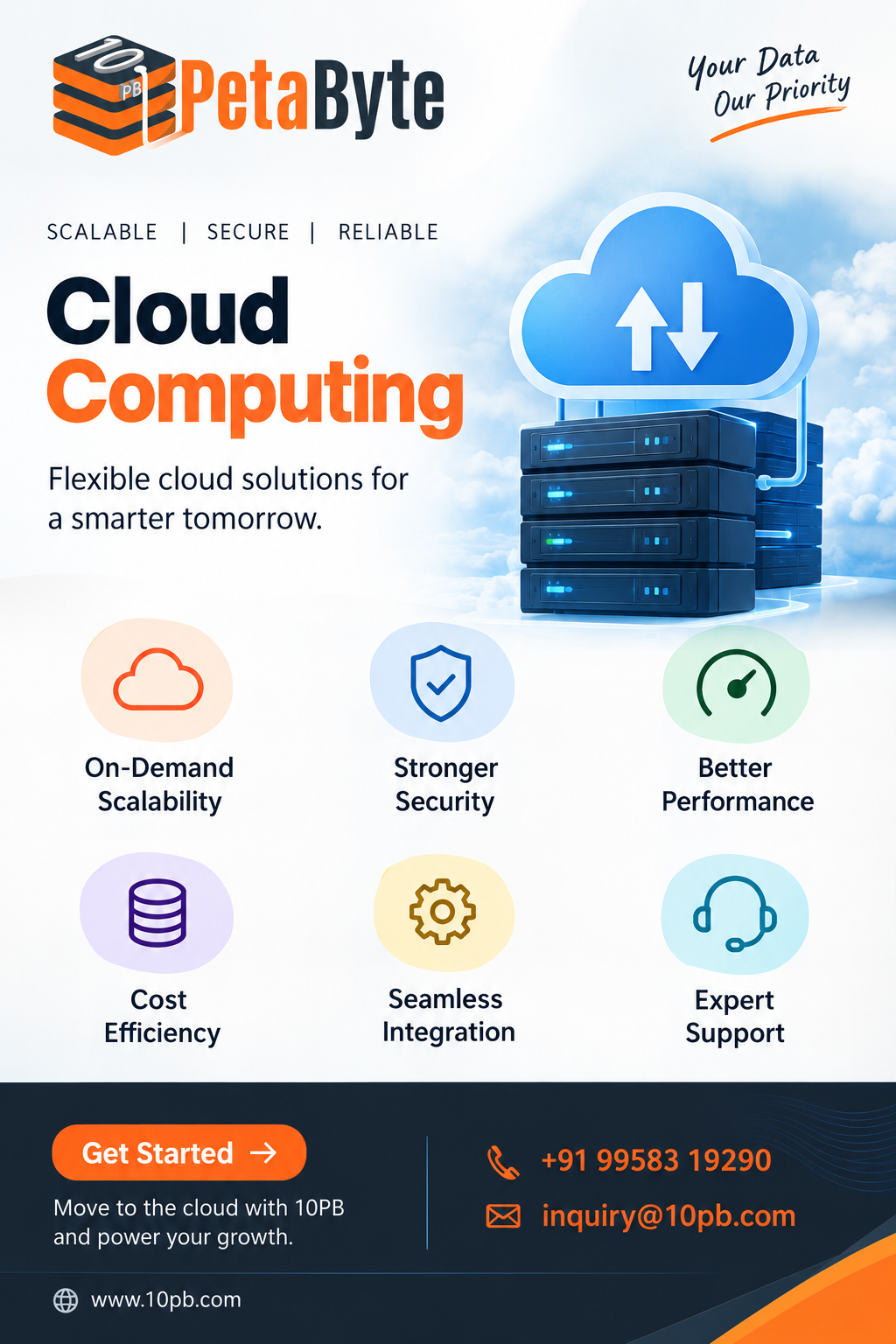
Technology requirements can change quickly. A business may begin with a small application and eventually need more processing power, storage, users, and reliable infrastructure. Building physical infrastructure for every possible future requirement can be difficult and expensive. This is one reason cloud computing has become an important part of modern IT infrastructure.
Cloud computing allows organizations to access computing resources through remote infrastructure rather than relying completely on locally maintained hardware. Depending on the service, these resources can include virtual servers, storage, databases, networking, application platforms, and software.
The basic concept is straightforward: instead of owning and managing every physical component, a business can use computing resources when they are needed and manage them through cloud-based platforms.
What Makes Cloud Computing Different?
Traditional IT infrastructure often requires organizations to purchase hardware, prepare physical space, configure systems, and maintain equipment. Increasing capacity may require additional hardware and administrative work.
Cloud computing changes this model by making infrastructure available as a service. Resources can be provisioned remotely, allowing teams to respond to changing requirements without necessarily installing new physical equipment every time a workload changes.
This flexibility is useful for websites, applications, databases, development environments, business systems, analytics workloads, and many other use cases.
Computing Resources in the Cloud
A cloud environment can provide several types of resources.
Compute resources provide processing power for applications and workloads. Virtual machines and other computing environments can be configured according to application requirements.
Storage resources allow organizations to store documents, application data, backups, media, and other information without depending entirely on local storage systems.
Database services provide structured environments for applications that need to store and retrieve information efficiently.
Networking services connect applications, users, servers, and other resources while helping organizations control communication between different parts of their infrastructure.
Together, these components create an environment where businesses can build and operate digital services.
Scalability Is a Major Advantage
One of the most useful characteristics of cloud computing is scalability.
Imagine an application that normally serves a moderate number of users but suddenly receives a large increase in traffic. A fixed physical environment may struggle if it was designed around normal demand.
Cloud infrastructure can provide additional resources when workloads increase, depending on the service and configuration being used. When demand decreases, organizations may also be able to reduce resource usage.
This makes cloud computing particularly useful for applications with changing or unpredictable workloads.
Cloud Computing for Remote Teams
Modern organizations often operate across multiple locations. Employees may work from offices, homes, shared workspaces, or different cities.
Cloud-based applications and infrastructure can support this distributed working environment by making services and information accessible through the internet. Teams can collaborate on applications, documents, databases, and business systems without requiring everything to exist on a single local network.
Access should still be controlled carefully. Strong authentication, permissions, monitoring, and security practices remain important when resources are accessible remotely.
Backup and Recovery
Data protection is another important area where cloud infrastructure can be useful.
Organizations can use cloud-based environments for backups and recovery systems. Keeping copies of important information outside the primary infrastructure can provide an additional layer of protection against hardware problems, accidental deletion, or other disruptions.
A useful backup strategy should consider how frequently data is copied, where copies are stored, how quickly they can be restored, and who has permission to access them.
Choosing the Right Cloud Approach
There is no single cloud configuration that works for every organization.
Some businesses may require infrastructure-level control, while others may prefer managed platforms or ready-to-use applications. The appropriate approach depends on workload requirements, technical expertise, security needs, data requirements, and operational goals.
Understanding these differences helps organizations avoid selecting cloud resources simply because they are available. The infrastructure should match the actual workload.
Final Thoughts
Cloud computing has become a practical foundation for modern digital infrastructure. It can provide access to computing power, storage, databases, networking, and applications without requiring organizations to manage every physical component themselves.
Its flexibility makes it useful for businesses dealing with changing workloads, distributed teams, growing data requirements, and continuously evolving applications.
The most effective cloud environment is one that is planned around real business and technical requirements. With suitable resource management, security controls, monitoring, and backup practices, cloud computing can provide a flexible foundation for digital operations.