Data Archiving Software for Long-Term Business Data Management
How businesses can build a structured approach to storing and managing historical data.
Businesses rely on digital information for daily operations, reporting, customer service, and planning. Over time, they accumulate emails, financial documents, customer records, application logs, and historical reports. Managing these records becomes challenging when information is spread across different systems.
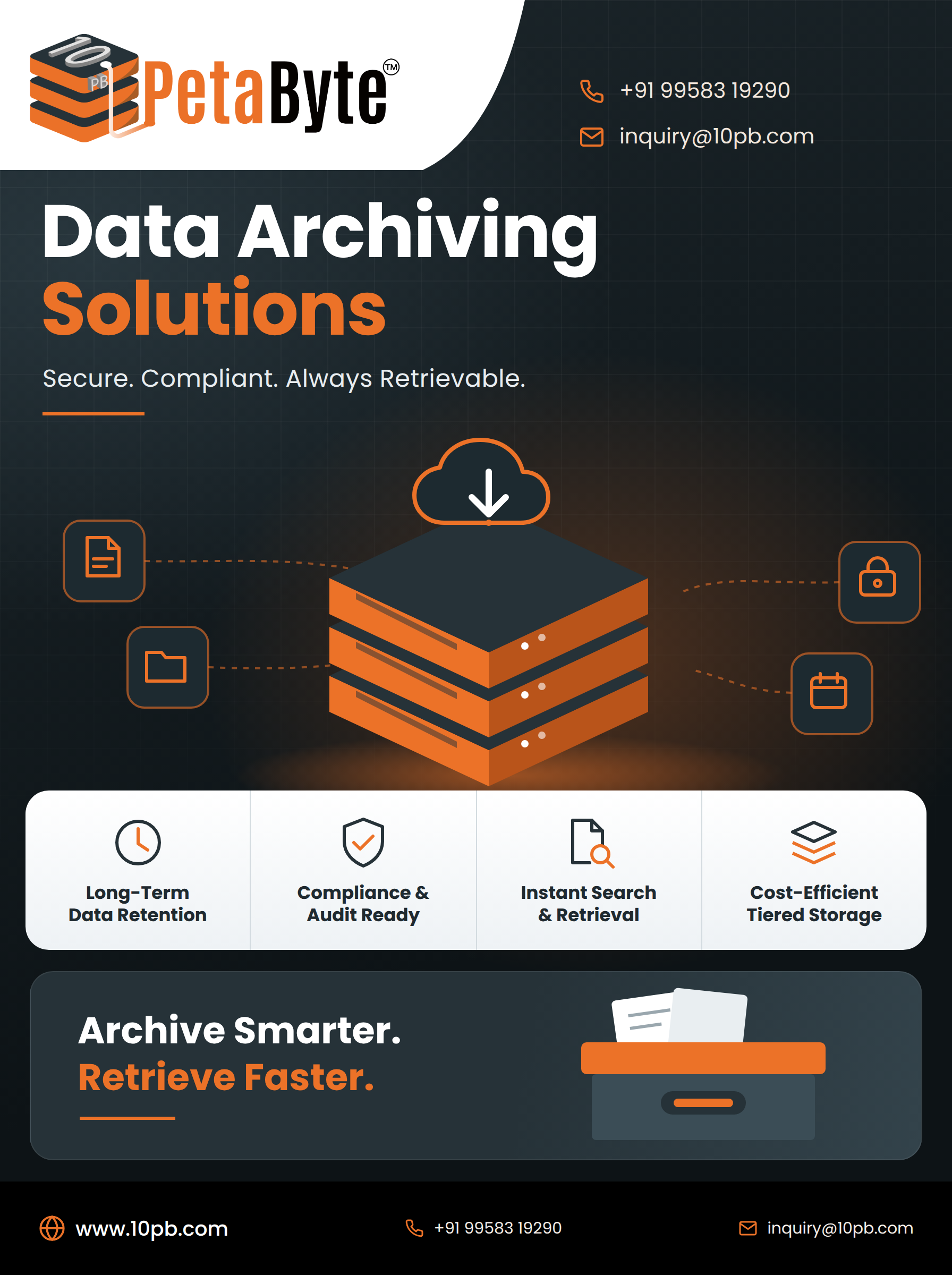
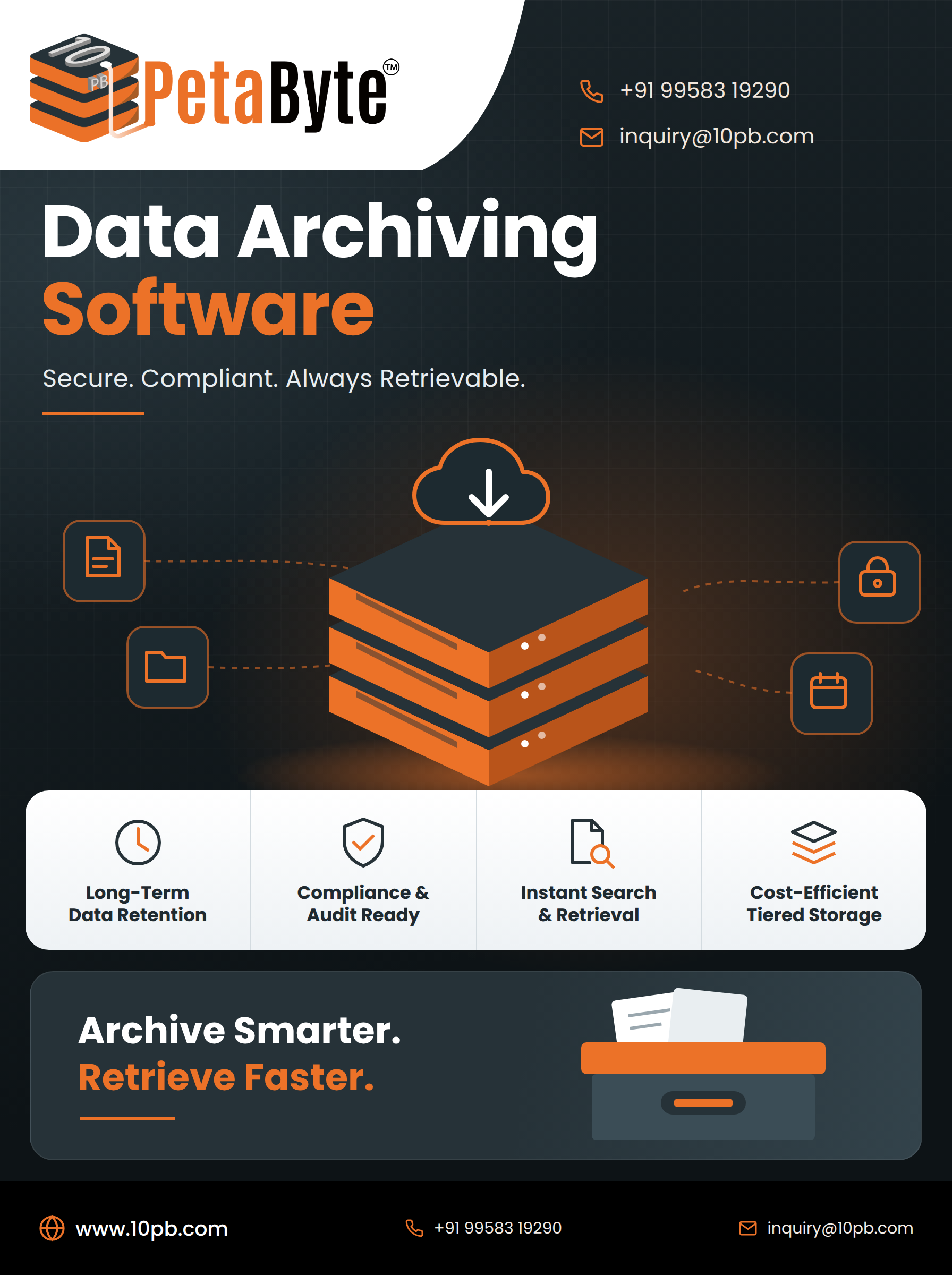
Data archiving software helps organizations retain and organize information that is no longer accessed frequently but may still be required for historical reference, operational purposes, or compliance obligations.
Understanding Data Archiving
Data archiving involves preserving selected information in a structured environment for future access. Instead of treating every old file as active data, organizations can establish policies that determine which records should be archived, how long they should be retained, and who can access them.
Depending on business requirements, archived information may include documents, emails, database records, research files, and application data.
A well-defined process helps organizations manage historical information without allowing it to become disorganized or difficult to retrieve.
Benefits of Data Archiving Software Improved Organization
Historical files can accumulate across departments, devices, and applications. Archiving tools can help businesses organize records using categories, metadata, indexing, or other available features.
This structure can make information easier to locate when employees need it.
More Efficient Retrieval
Archived data may be required for audits, customer enquiries, historical reporting, or internal reviews. Search and indexing capabilities can help authorized users retrieve relevant records without manually examining multiple storage locations.
Better Storage Management
Not all information needs to remain in high-performance primary storage. Depending on the storage architecture, archiving can help businesses allocate resources based on how frequently data is accessed.
Consistent Retention Policies
Organizations may need to retain certain records for defined periods. A clear archiving strategy helps businesses establish retention schedules and follow appropriate procedures for preserving or deleting information.
Essential Features to Evaluate
When selecting data archiving software, businesses should assess several important capabilities.
Search and indexing: Users should be able to find historical records efficiently.
Security controls: Access permissions, encryption, monitoring, and audit trails can help protect archived information.
Retention management: The solution should support the organization's retention policies and applicable requirements.
Scalability: Storage capacity should accommodate changing data volumes.
Compatibility: The software should work with relevant data sources and existing business applications.
Cost transparency: Organizations should understand storage fees, retrieval charges, data-transfer costs, and ongoing management expenses.
Evaluating these factors helps businesses choose technology that suits their specific needs.
Cloud-Based Data Archiving
Cloud-based archiving allows organizations to retain historical information using cloud infrastructure. Depending on the provider, businesses may benefit from flexible storage capacity and centralized management.
However, cloud services differ in their retrieval speeds, access methods, pricing structures, and protection features. Organizations should evaluate these differences before moving important records to a cloud environment.
Archiving should also be distinguished from backup. Archiving focuses on long-term information retention and retrieval, while backup primarily supports restoration after data loss or corruption. Depending on their needs, businesses may require both.
Security and Responsible Data Retention
Historical information can contain confidential business, employee, or customer records. Organizations should determine who needs access and apply suitable security controls.
They should also avoid retaining information indefinitely without a clear reason. Retention schedules should reflect operational needs, legal obligations, and applicable privacy requirements.
Regular reviews can help confirm that archived information remains accessible, appropriately protected, and managed according to established policies.
Conclusion
Data archiving software can help businesses organize historical records, improve information retrieval, and manage long-term data retention. Its effectiveness depends on choosing appropriate technology and establishing clear policies for security, access, and storage management.
Organizations exploring cloud-based approaches can learn more about 10PB's cloud data archiving solutions and assess how structured archiving may fit their information-management strategy.
Frequently Asked Questions
- What is data archiving software used for?
It helps businesses retain, organize, and retrieve historical information that is not required for frequent daily use.
- Can archived information be stored in the cloud?
Yes. Cloud infrastructure can support long-term data retention when its features meet the organization's requirements.
- Is data archiving the same as backup?
No. Archiving focuses on long-term retention, while backup primarily supports recovery after data loss or corruption.
- How can businesses secure archived data?
They can use appropriate access controls, encryption, monitoring, retention policies, and tested recovery procedures.
- What should businesses consider before choosing archiving software?
They should evaluate supported data types, search capabilities, security, scalability, retention management, integration, and total cost.
Comments
Join the discussionNo comments yet. Be the first to comment.