NAS Cloud Storage for Flexible and Efficient Data Management
Explore practical ways to organize business files, support remote access, and manage growing data requirements.
Data management has become an important consideration for businesses of every size. Organizations regularly create documents, exchange reports, maintain customer records, and store large digital assets. As these files accumulate, managing them across individual computers and disconnected storage devices can become inefficient.
Employees may struggle to locate the latest version of a document, while administrators must manage permissions, storage capacity, and data protection across different systems. A suitable storage strategy can simplify these responsibilities and establish a more consistent approach to managing information.
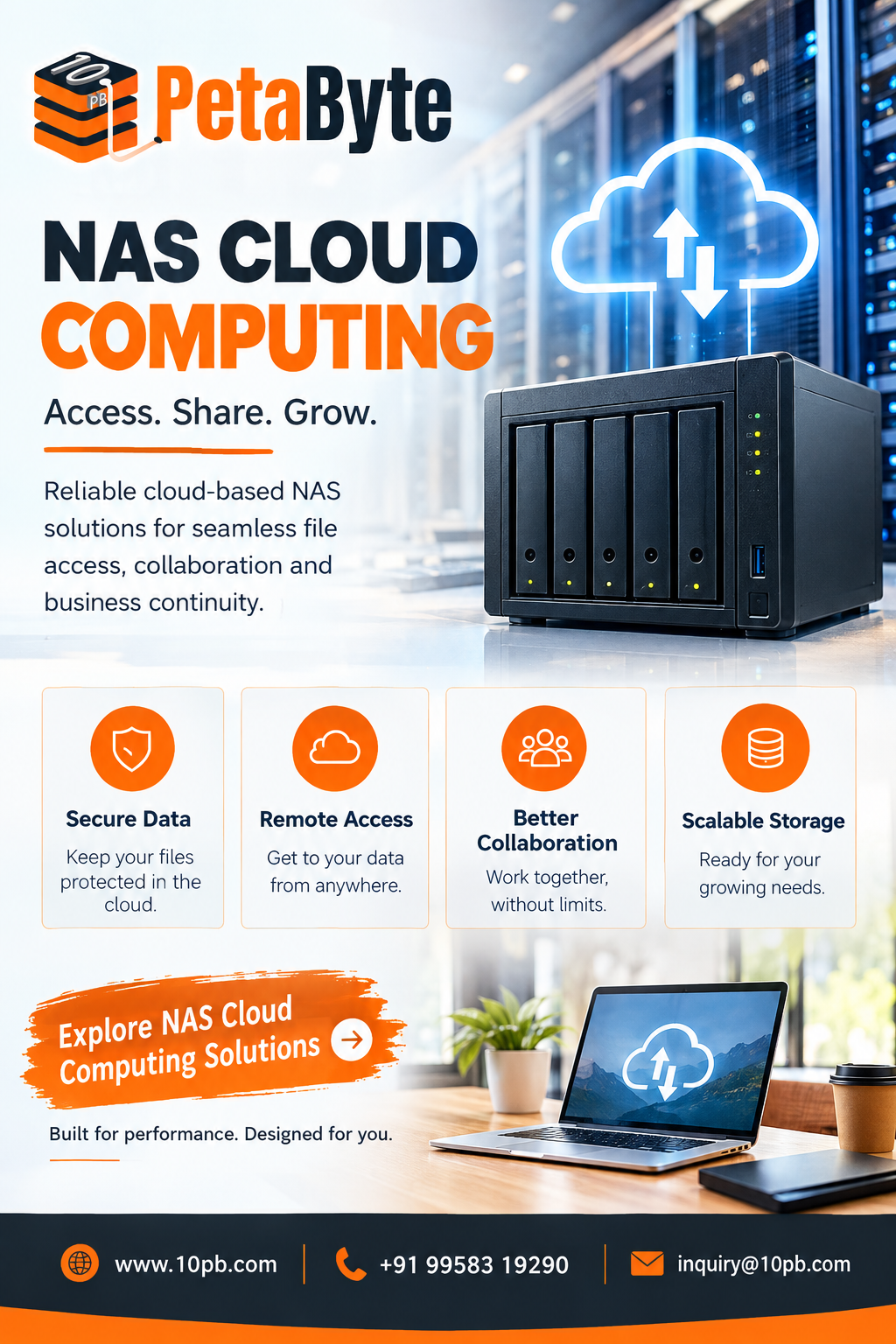
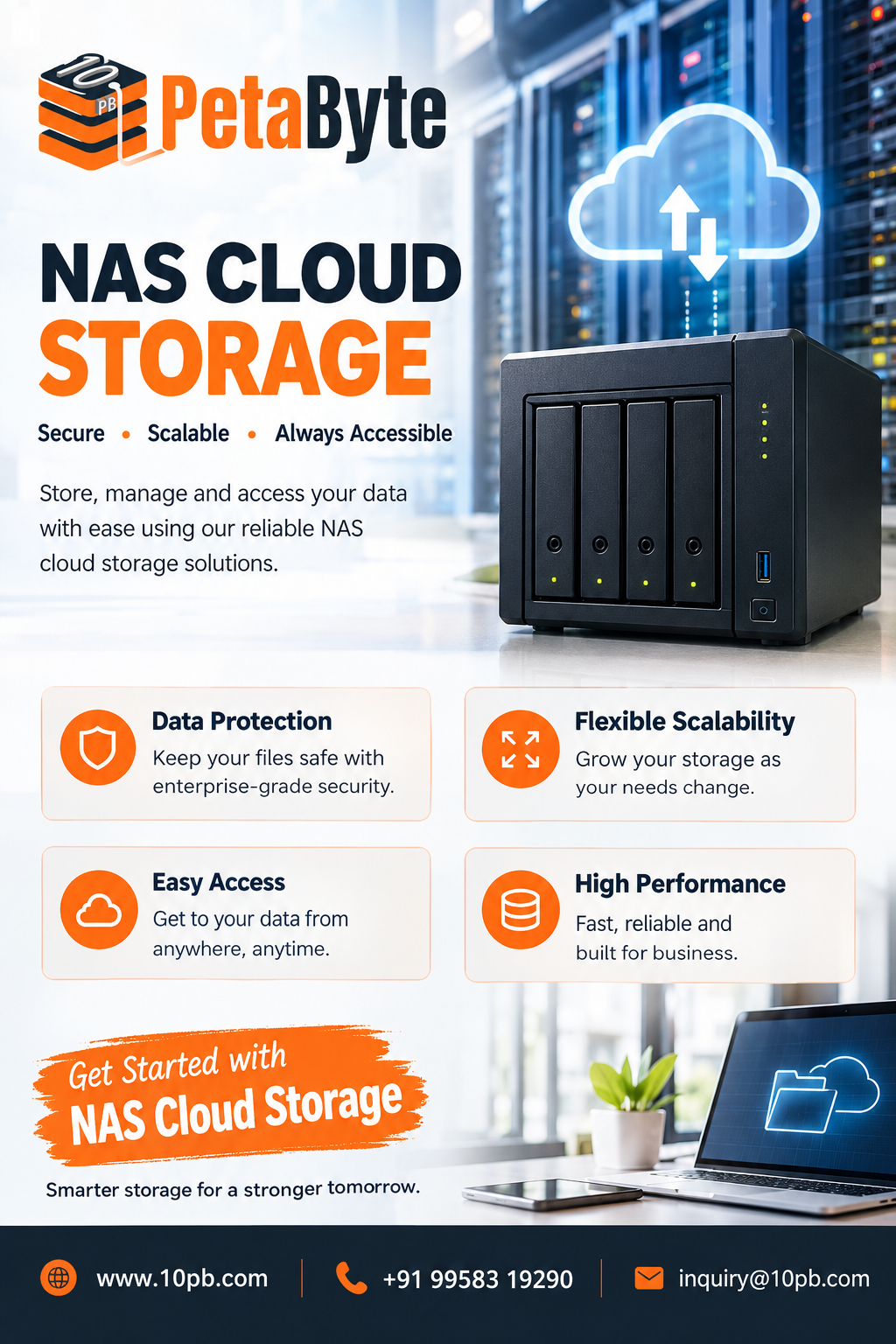
NAS cloud storage is one option businesses can investigate when they need centralized file management and flexible access to digital resources. By understanding its underlying concepts and practical applications, organizations can better evaluate whether a cloud-based storage approach fits their technical environment.
- Understanding NAS and Cloud Storage
Network-attached storage, or NAS, is a storage system connected to a network that allows multiple authorized devices to access shared files. It provides a central location for information rather than requiring every user to maintain separate copies.
Cloud storage uses remote infrastructure to store and manage digital information. Depending on the provider, files may be accessible through supported applications, interfaces, or network protocols.
NAS cloud storage can describe different implementations. Some organizations connect existing NAS equipment to cloud storage services, while others choose cloud-based offerings that provide centralized file management. The capabilities depend on the specific service and its configuration.
Businesses should therefore evaluate actual product specifications rather than assuming every solution supports the same access methods, integrations, or security features.
- Why Centralized Storage Is Useful
When files are spread across different devices, maintaining consistency becomes difficult. Employees may create duplicate documents, accidentally overwrite information, or send outdated attachments to colleagues.
A centralized storage environment can help teams establish a shared structure for organizing and accessing important files.
For example, an organization might create separate folders for finance, marketing, operations, and project documentation. Access permissions can then be assigned according to employee responsibilities.
Potential benefits include:
Easier file discovery and organization. More consistent collaboration between departments. Reduced dependence on manually transferring files. Centralized administration of supported access permissions. Better visibility into storage usage and capacity requirements.
These improvements depend on sound implementation. Businesses should define naming conventions, folder structures, and file management responsibilities alongside their storage technology.
- Supporting Remote and Distributed Teams
Modern workplaces often include employees working from different locations. A team member may need a project document while travelling, whereas a colleague in another office may need access to the same information.
Cloud-enabled storage can help support these workflows when remote access is available and configured appropriately.
Shared access can be useful for project documents, reports, creative assets, operational procedures, and other resources that employees need to retrieve regularly.
However, remote access introduces practical considerations. Internet connectivity, network performance, authentication requirements, and file sizes can influence the user experience. Businesses should test their most important workflows before making a storage platform central to daily operations.
They should also ensure that remote access follows established security policies rather than providing unrestricted access to the entire storage environment.
- Security and Access Control
Business storage often contains confidential or commercially important information. Protecting that information requires more than choosing a platform with sufficient capacity.
Organizations should examine authentication, permission management, encryption practices, monitoring features, and data recovery capabilities.
Several practices can strengthen a storage strategy:
Require strong passwords and multifactor authentication where available. Assign permissions based on job responsibilities. Review access rights when employees change roles. Remove unnecessary accounts and permissions. Maintain independent backups of critical information. Test recovery procedures regularly.
Businesses should also distinguish between synchronization and backup. Synchronization can replicate changes between locations, including unwanted deletions. A separate backup can provide another way to recover information when files become unavailable or corrupted.
The appropriate protection measures depend on the sensitivity of the data, applicable regulations, and the service's actual capabilities.
- Managing Storage Capacity and Performance
Data requirements change as businesses grow. New employees, applications, customers, and projects can increase the amount of information an organization needs to store.
Before selecting a solution, businesses should estimate their current storage usage and forecast future requirements.
Different workloads can also have different performance needs. Ordinary office documents may not require the same transfer speeds or access patterns as large video files, design assets, or technical datasets.
Important evaluation criteria include:
Available storage capacity and expansion options. File size and transfer limitations. Supported applications and access methods. Network requirements and expected performance. Retention and recovery features. Technical support and service availability. Pricing and any additional usage charges.
Considering these factors helps organizations select a storage arrangement that supports both current operations and future development.
- How 10PB Fits Into a Storage Strategy
10PB offers cloud storage solutions for organizations evaluating ways to manage their digital information. Its Cloud NAS offering is an option for businesses exploring centralized storage and cloud-based file management.
For organizations researching NAS cloud storage, the key is to determine whether a particular service meets their operational and technical requirements.
Businesses should review available storage capacity, access methods, security controls, backup options, compatibility, and pricing. They should also consider how the service would fit with existing infrastructure and whether migration or configuration work would be required.
A careful assessment can help organizations understand the practical value of a storage solution before committing to a new workflow.
- Planning a Smooth Implementation
Adopting a storage service is easier when the implementation process is organized.
First, identify where important files are currently stored and determine which teams require access. Next, organize the information into a logical structure and remove unnecessary duplicates where appropriate.
Then establish permissions, retention requirements, and backup procedures. Before moving large amounts of information, test the migration process with a small collection of representative files.
After implementation, monitor storage usage and gather feedback from employees. Regular reviews can reveal access problems, inefficient folder structures, and opportunities to improve the way information is managed.
Documentation also helps employees understand how to store files correctly and how to request access when their responsibilities change.
- Building a Sustainable Data Management Approach
Storage technology works best when supported by clear policies. Organizations should define how files are named, where information belongs, who is responsible for maintaining shared folders, and how outdated records are handled.
They should also establish procedures for protecting sensitive information and recovering important data.
Periodic reviews help identify unnecessary files, outdated permissions, and capacity concerns before these issues become disruptive. As business requirements evolve, the storage arrangement should be reassessed to ensure it remains appropriate.
A sustainable approach balances accessibility, security, usability, and cost rather than focusing on storage capacity alone.
Conclusion
Businesses need storage environments that help them organize growing volumes of information without creating unnecessary complexity. NAS cloud storage can support centralized file management, collaboration, and flexible access when the selected service provides the necessary capabilities.
Evaluating security, compatibility, storage capacity, backup arrangements, and long-term costs helps organizations make better decisions. With its Cloud NAS offering, 10PB provides an option to investigate as part of a broader strategy for managing business information.