Network Attached Storage Device for Centralized and Reliable Data Access
Building a more organized storage environment for modern teams and growing businesses.
Managing business data becomes more challenging as an organization grows. A small team may begin with files stored on individual laptops and desktops, but this approach can quickly become difficult to maintain when the number of employees, projects, and digital assets increases. Documents become scattered, duplicate copies appear, and finding the latest version of a file can take more time than expected.
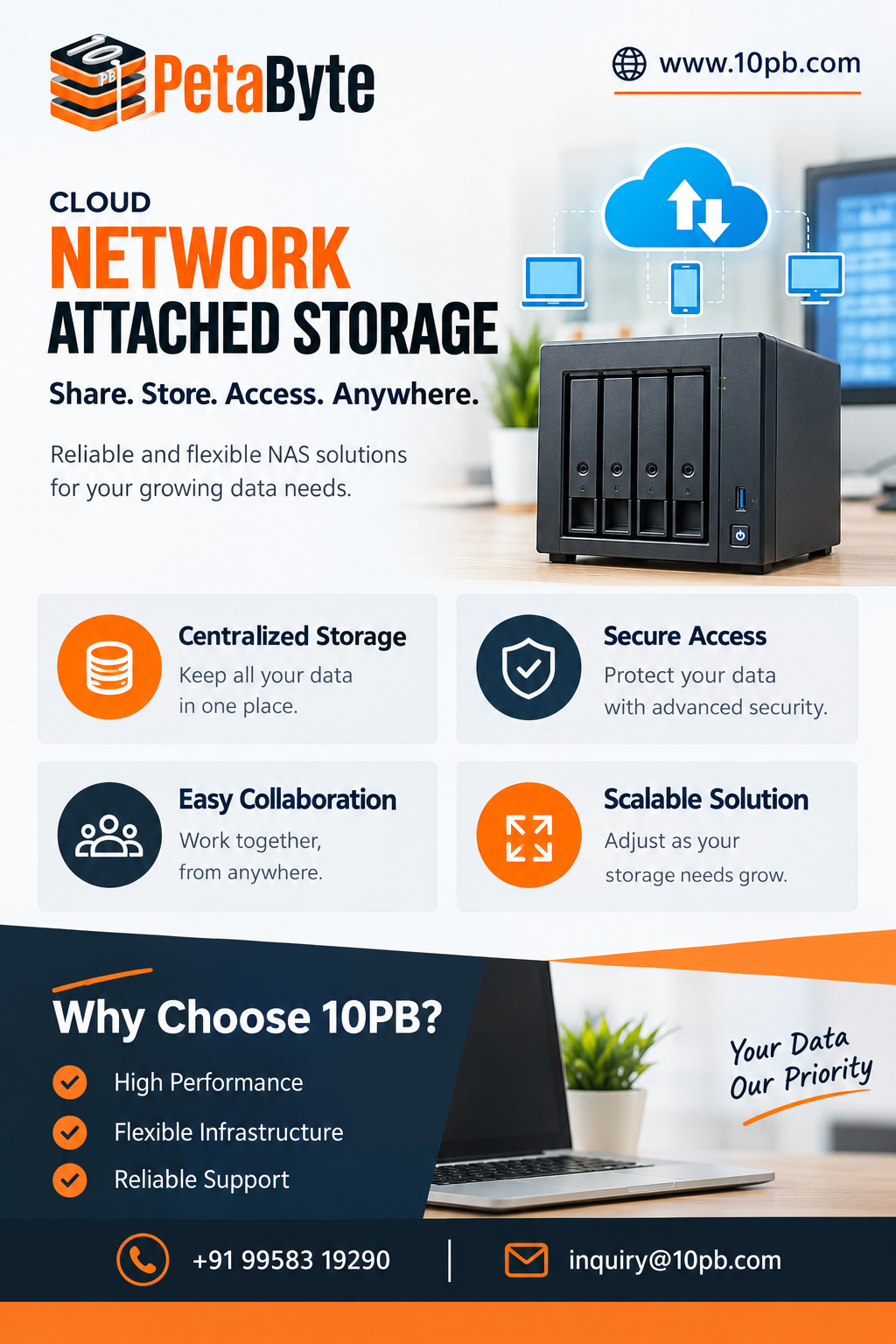
A Network Attached Storage Device provides a centralized approach to this problem. It allows organizations to create a shared storage environment that can be accessed by authorized users through a network. Instead of relying entirely on individual computers or removable drives, teams can work with information stored in a common location.
This can make storage easier to organize while supporting collaboration and more consistent data management practices.
What Makes Centralized Storage Useful?
The main idea behind centralized storage is simple: important files have a defined place.
Without a common storage structure, employees may save business information wherever it is convenient. One employee might keep a project document on a laptop, another may have a copy on an external drive, and someone else may have an older version in an email attachment.
Over time, these habits create unnecessary complexity.
A centralized storage environment provides an opportunity to establish consistent folders, naming conventions, permissions, and file-management practices. Employees can be guided toward a common system instead of developing their own individual storage methods.
This is particularly useful for businesses where several people need access to the same information.
Improving File Collaboration
Many business activities depend on shared files. Marketing teams exchange campaign assets, sales teams use product documents, developers maintain technical resources, and management teams review reports.
A Network Attached Storage Device can act as a shared location for these resources.
Authorized employees can access relevant folders through the organization's network instead of repeatedly transferring files between devices. This can reduce unnecessary copies and make collaboration more straightforward.
For example, a project team can maintain a dedicated folder containing specifications, reports, images, presentations, and other project resources. Team members with the appropriate permissions can access the same storage location when required.
Managing Different Types of Data
Modern organizations store much more than basic office documents.
Depending on the business, storage requirements may include:
Documents and spreadsheets
Images and creative assets
Videos and recordings
Technical files
Project archives
Database-related files
Application resources
Backup data
These different workloads can have very different storage requirements. Large video files, for example, can consume considerably more capacity than ordinary documents.
Understanding the type of information being stored is therefore important when planning a storage environment.
Planning for Business Growth
Storage requirements tend to increase over time.
A company may hire more employees, take on additional projects, create more digital content, or retain information for longer periods. If storage planning is ignored, businesses can eventually find themselves dealing with insufficient capacity or an increasingly complicated collection of storage systems.
A Network Attached Storage Device can be considered as part of a longer-term storage strategy.
Organizations should estimate current usage and expected growth before selecting their configuration. They should also consider whether their workloads require additional performance, redundancy, or expansion capabilities.
Planning ahead can help avoid unnecessary migrations later.
Permissions and Controlled Access
Centralized storage also creates an opportunity to establish clearer access rules.
Business information often contains different levels of sensitivity. Public marketing material does not require the same access controls as financial reports or internal employee records.
Administrators can organize storage around departments, teams, projects, or individual responsibilities. Appropriate permissions can then be applied to help ensure that employees only access the information relevant to their roles.
This is especially important when businesses have multiple teams working with different sets of information.
Access should be reviewed regularly as employees change roles or leave the organization. Good storage management includes not only creating permissions but also maintaining them over time.
The Importance of Backup
Centralized storage should not be confused with a complete backup strategy.
If an important file exists in only one location, that file may still be vulnerable to accidental deletion, hardware problems, security incidents, or other unexpected events.
For this reason, organizations should consider how their centralized storage fits into a wider backup and recovery plan.
Regular backups can provide additional copies of important information. Depending on business requirements, organizations may also consider separate storage locations, retention policies, and recovery testing.
A backup strategy is only useful if data can actually be recovered when needed, so recovery procedures should be reviewed and tested rather than assumed to work.
Supporting Remote and Hybrid Teams
Work environments have changed significantly. Employees may work from offices, homes, branch locations, or other remote environments.
Shared storage can support these working patterns when remote access is configured appropriately. Instead of keeping separate copies of common resources on different devices, teams can work from a centralized source.
However, remote access needs careful security planning. Authentication, permissions, encryption, network configuration, and monitoring should all be considered before making business storage available outside the internal environment.
Storage Is More Than Capacity
When businesses evaluate storage, capacity is often the first number they consider. While capacity matters, it is only one part of the decision.
Organizations should also evaluate:
Performance: How quickly will users and applications need to access stored data?
Availability: How important is continuous access to the information?
Security: What controls are required to protect sensitive files?
Scalability: How easily can storage capacity increase as data grows?
Backup: How will important information be copied and recovered?
Administration: How easy will it be for the IT team to manage users, permissions, and storage resources?
Considering these factors provides a more complete picture of what the organization actually needs.
Creating Better Storage Habits
Technology alone cannot guarantee good data management. Employees also need clear guidelines.
Simple practices can make a noticeable difference. Teams can use consistent folder names, avoid unnecessary duplicate files, archive outdated information appropriately, and store important resources in approved locations.
When these practices are combined with centralized storage, businesses can create a more predictable information environment.
It also becomes easier for new employees to understand where they should find and save shared resources.
A Practical Foundation for Modern Data
As organizations become increasingly dependent on digital information, storage infrastructure becomes an important part of everyday operations.
A Network Attached Storage Device can provide a practical foundation for centralized file management, collaboration, access control, and backup planning. It can help businesses move away from scattered storage habits and toward a more organized approach.
The right implementation depends on the organization's size, workloads, security requirements, expected growth, and operational priorities. There is no universal configuration that works for every business.
The most effective approach is to first understand how data is created, accessed, shared, protected, and retained. Once these requirements are clear, businesses can select a storage strategy that supports current workflows while leaving room for future growth.
With thoughtful planning, centralized network storage can become more than a place to keep files. It can become an important part of a structured and manageable business data environment.