NVIDIA H100 GPU for AI and High-Performance Computing
Explore the NVIDIA H100 GPU's capabilities for AI training, deep learning, and high-performance computing, along with key considerations for choosing the right GPU infrastructure.
Artificial intelligence is transforming how businesses develop applications, analyze information, and automate complex processes. Behind many of these advances is specialized computing hardware capable of processing large volumes of data efficiently. Graphics processing units, or GPUs, have become particularly important for machine learning, deep learning, scientific research, and high-performance computing.
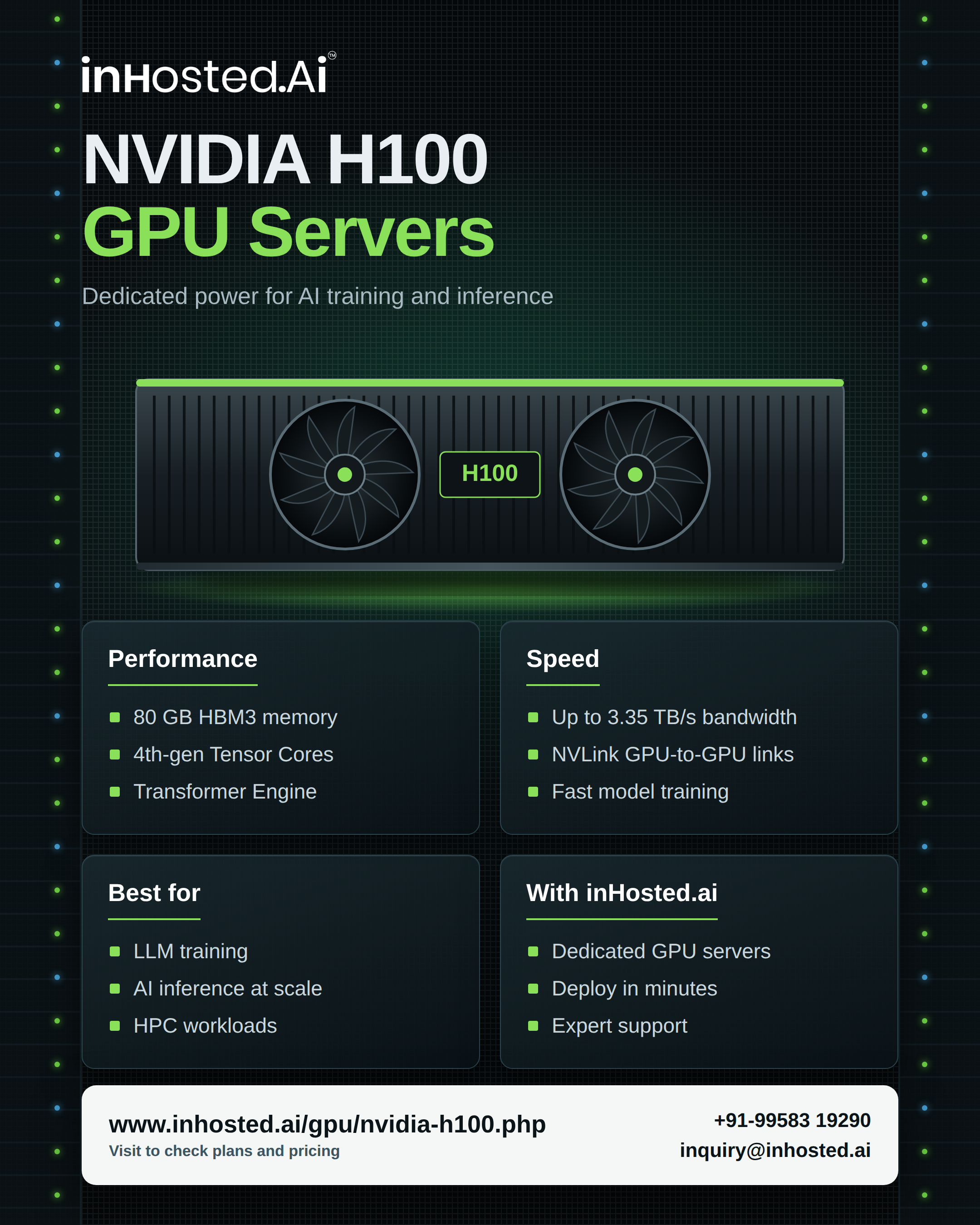
The NVIDIA H100 is a data-center GPU designed to accelerate demanding computational workloads. Based on NVIDIA's Hopper architecture, it offers specialized processing capabilities for AI training, inference, and scientific applications.
For developers, researchers, and businesses planning GPU infrastructure, understanding its features and infrastructure requirements can help them determine whether this accelerator fits their workloads.
What Is the NVIDIA H100 GPU?
The NVIDIA H100 is a data-center accelerator designed for intensive computing tasks. Unlike conventional graphics cards primarily intended for consumer applications, data-center GPUs are developed for demanding workloads that can benefit from parallel processing.
These workloads include training neural networks, running large AI models, analyzing complex datasets, and performing scientific simulations.
A GPU can execute many calculations simultaneously, making it particularly useful for applications involving extensive matrix and tensor operations. However, actual performance depends on the software, model architecture, memory requirements, and configuration of the overall computing environment.
Key Features of the NVIDIA H100
- Hopper Architecture
The H100 is built on NVIDIA's Hopper architecture, which introduces capabilities designed for modern AI and high-performance computing.
Architecture improvements can affect computational throughput, memory handling, and the execution of specialized operations. Developers should consider whether their applications and software frameworks can take advantage of these features.
- Tensor Core Acceleration
Tensor Cores are specialized processing units designed to accelerate supported matrix and tensor calculations.
These calculations are central to many deep-learning workloads, including neural network training and inference. Supported operations can benefit from optimized execution, although performance varies according to precision settings, model design, and software implementation.
- High-Bandwidth Memory
AI workloads frequently access large quantities of model parameters, training data, and intermediate results. Memory capacity and bandwidth can therefore have a significant influence on performance.
The H100's specifications depend on the particular model and form factor. Before choosing a configuration, organizations should verify the available memory and confirm that it meets their workload requirements.
- Data-Center Workload Support
The H100 is designed for deployment in specialized computing environments. It can form part of systems used for AI development, large-scale inference, research, and other computationally intensive tasks.
The best configuration depends on whether a workload requires a single accelerator, multiple GPUs, or distributed computing across several servers.
Where Is the NVIDIA H100 Used? Artificial Intelligence Training
Training an AI model involves processing data repeatedly and updating model parameters. As datasets and models become more complex, these calculations can require substantial computing resources.
GPU acceleration can help reduce training time for supported workloads, allowing teams to conduct experiments and develop models more efficiently.
Large Language Models
Large language models power applications such as conversational assistants, content analysis, document processing, and automated customer support.
Training and operating these models can involve intensive calculations and substantial memory requirements. H100-based infrastructure may support these workloads, depending on model size, software optimization, and deployment configuration.
Computer Vision
Computer vision allows software to analyze images and video. Applications include object detection, image classification, industrial inspection, and video analytics.
GPU acceleration can help process complex neural networks and large volumes of visual information. Results depend on factors such as image resolution, model architecture, and the efficiency of the data pipeline.
Scientific and Technical Computing
Researchers use accelerated computing for simulations, engineering analysis, scientific modeling, and numerical calculations.
When applications are designed to take advantage of GPU processing, specialized accelerators can help execute suitable parallel workloads efficiently.
Why Infrastructure Matters
Selecting a powerful GPU is only one part of building an effective computing environment. Supporting components can influence performance just as significantly.
CPU and system memory: The host system must coordinate operations and supply data efficiently.
Storage performance: Training pipelines often process large datasets. Slow storage can limit accelerator utilization.
Networking: Distributed workloads may require high-speed communication between GPUs and servers.
Power and cooling: Data-center accelerators require compatible power delivery and appropriate thermal management.
Software compatibility: Drivers, frameworks, libraries, and operating-system configurations must work together correctly.
Evaluating these components before deployment can help prevent bottlenecks and unnecessary infrastructure expenses.
Dedicated GPU Servers Versus Cloud GPU Infrastructure
Businesses can access GPU computing through dedicated hardware or cloud-based infrastructure.
Dedicated GPU servers may suit organizations with predictable workloads, specialized configuration requirements, or established data-center operations. However, they also require attention to hardware maintenance, power consumption, cooling, and equipment utilization.
Cloud GPU infrastructure offers another approach by allowing teams to access accelerator resources without managing every physical component themselves. Availability, pricing, configurations, and usage terms depend on the provider.
Before selecting a service, compare the exact GPU model, memory capacity, CPU allocation, system RAM, storage, networking, operating-system options, and billing model.
For organizations exploring accelerator-based computing, InHosted provides information about its NVIDIA H100 GPU offering.
How to Choose the Right H100 Configuration
Start by defining the workload you intend to run. Model training, inference, and scientific simulations can have different requirements.
Next, estimate memory consumption and identify the software frameworks your application uses. Confirm compatibility with the intended GPU configuration.
Where possible, test representative workloads and measure throughput, latency, memory usage, and resource utilization. Practical benchmarks can provide more useful insights than theoretical performance figures alone.
Finally, evaluate total operating costs. Consider infrastructure, storage, networking, power, maintenance, and engineering resources alongside the cost of accessing the GPU.
A configuration that matches your actual workload can deliver better value than choosing hardware based on specifications alone.
Conclusion
The NVIDIA H100 is a data-center GPU designed for demanding AI, deep-learning, and high-performance computing workloads. Its Hopper architecture and specialized acceleration capabilities make it relevant to organizations developing advanced machine-learning systems and computationally intensive applications.
Successful deployment requires more than selecting an accelerator. Software compatibility, memory capacity, storage performance, networking, power, cooling, and overall cost all influence the outcome.
By evaluating these factors and testing representative workloads, developers and businesses can determine whether H100-based infrastructure supports their technical and operational goals.
Frequently Asked Questions
- What is the NVIDIA H100 used for?
It is designed for data-center workloads such as AI training, inference, deep learning, scientific computing, and other demanding parallel-processing applications.
- Can the NVIDIA H100 run large language models?
Yes. It can support large-language-model training and inference, depending on model size, memory requirements, software optimization, and the selected system configuration.
- Does every AI application benefit from an H100 GPU?
No. Performance improvements depend on whether the application can use GPU acceleration effectively and whether the workload matches the hardware's capabilities.
- What should businesses consider before selecting H100 infrastructure?
Important considerations include GPU memory, software compatibility, CPU and RAM resources, storage speed, networking, power, cooling, and total operating costs.
- Can businesses access H100 GPUs through cloud services?
Some providers offer H100-based infrastructure, subject to availability and configuration. Businesses should verify the specifications, pricing, and service terms before choosing a provider.
Comments
Join the discussionNo comments yet. Be the first to comment.