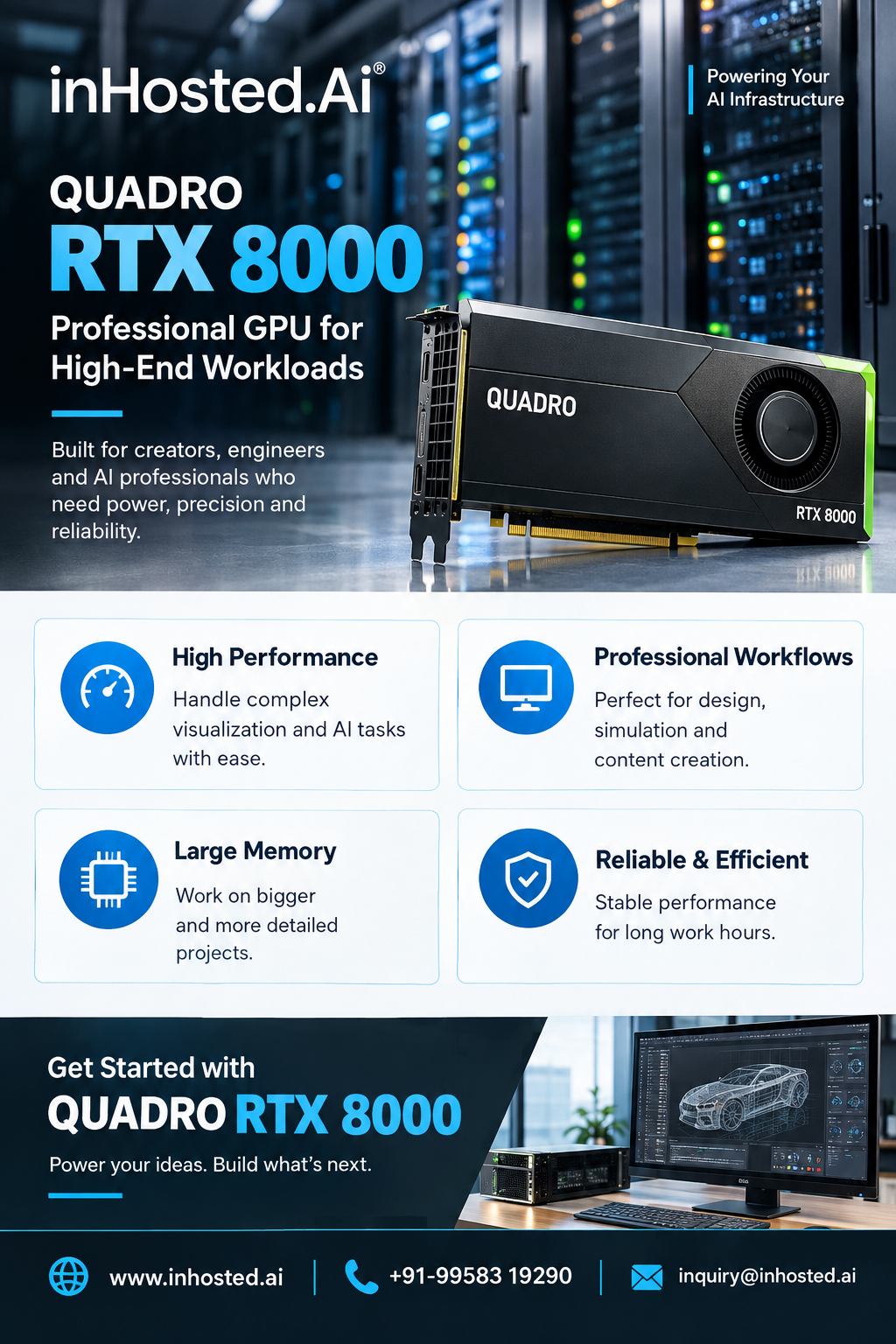
A100 GPU: A Developer's Guide to AI Acceleration
Understand GPU capabilities, infrastructure requirements, and practical deployment considerations.

Developing modern artificial intelligence applications requires more than well-written code. Training models, processing large datasets, and running computationally intensive experiments also depend on the underlying infrastructure. For developers working with deep learning and high-performance computing, choosing appropriate GPU resources can influence development workflows and system performance.
The A100 GPU is a data-center accelerator designed for demanding computing tasks, including AI, machine learning, deep learning, and scientific computing. Understanding its capabilities and limitations can help developers determine whether it is suitable for their applications.
How GPU Acceleration Works
Traditional CPU-based systems handle a broad range of general-purpose tasks. GPUs, by contrast, can perform many operations simultaneously, making them useful for computations that can be divided into parallel tasks.
Deep learning is one example. Neural networks repeatedly perform mathematical operations on tensors and matrices during training and inference. GPU acceleration can help execute suitable operations more efficiently when the software has been designed to use the hardware.
The benefits depend on the application. Tasks that rely heavily on sequential processing, slow storage, or inefficient data preparation may not achieve the expected improvement from a GPU alone.
Understanding the A100 GPU
An A100 GPU is built for data-center workloads rather than everyday desktop graphics. It can be considered for AI model development, deep learning experiments, scientific calculations, and other applications that require substantial parallel-processing resources.
Developers should evaluate the complete system rather than focusing exclusively on the accelerator. Memory capacity, CPU resources, storage throughput, networking, and software compatibility all affect the performance of real-world applications.
Important Developer Use Cases
- Machine Learning Model Training
Training a machine learning model involves repeatedly processing examples and adjusting model parameters. GPU acceleration can benefit models whose calculations map effectively to parallel hardware.
Possible applications include image classification, predictive analytics, recommendation systems, and natural language processing.
Before deploying a training workload, developers should consider dataset size, model architecture, batch size, numerical precision, and framework compatibility.
- Deep Learning and Generative AI
Deep learning applications can require significant computing resources as model complexity increases. Generative AI introduces additional considerations, including context length, model size, and the distinction between training and inference.
GPU memory is particularly important because model weights, intermediate activations, and input data consume available resources. Developers should estimate memory requirements and test representative workloads before selecting an infrastructure configuration.
- Computer Vision
Computer vision systems process images and video to identify objects, classify scenes, or extract meaningful information. GPU acceleration can support compatible image-processing and neural-network workloads.
Performance also depends on image resolution, preprocessing, data-loading efficiency, and the chosen inference framework.
- Scientific Computing
Research and engineering teams may use GPU-enabled systems for numerical simulations, scientific modelling, and large-scale calculations. The potential benefit depends on whether the application's algorithms and software support GPU execution.
Developers should verify compatibility with existing libraries before migrating a workload to a different environment.
Selecting the Right Infrastructure
A GPU is only one component of an effective development system. Consider the following factors before deployment.
GPU memory: Estimate the memory required for model parameters, datasets, intermediate calculations, and batch processing.
Framework support: Confirm compatibility with your machine learning framework, drivers, libraries, and operating system.
CPU and RAM: Data preparation and application orchestration may depend on sufficient CPU resources and system memory.
Storage: Slow dataset access can leave the GPU waiting for data. Evaluate storage throughput and data-loading performance.
Networking: Distributed training and multi-system workflows may require appropriate network bandwidth and latency.
Scalability: Consider how the infrastructure will accommodate future increases in dataset size, model complexity, or user demand.
Cost management: Compare the expected workload and resource utilization with the available infrastructure options.
These checks help developers avoid configuration mismatches and make infrastructure decisions based on actual application requirements.
Hosted GPU Infrastructure
Building an in-house GPU environment can provide control over hardware and system configuration, but it also involves purchasing equipment, maintaining systems, and managing power and cooling requirements.
Hosted GPU infrastructure offers an alternative for teams that prefer access to computing resources without handling every aspect of the physical environment. Availability, configuration choices, support, and management features vary by provider.
InHosted.ai provides information about GPU infrastructure options for businesses and developers. When evaluating a service, review its available hardware, memory configuration, operating system support, security arrangements, and service terms.
A sensible approach is to begin with a clearly defined workload, identify its resource requirements, and compare suitable configurations before deployment.
Practical Ways to Improve GPU Utilization
Choosing a capable GPU does not guarantee efficient execution. Developers should monitor resource usage and profile applications to identify bottlenecks.
Useful practices include optimizing data pipelines, selecting appropriate batch sizes, using supported acceleration libraries, and monitoring GPU memory consumption. Testing with representative datasets can also reveal whether processing time is limited by computation, data transfer, or another system component.
For larger projects, benchmarking different configurations can help establish a reliable baseline. Measure actual performance, document the software environment, and repeat tests after significant changes.
Conclusion
The A100 GPU can be relevant to developers working on AI, deep learning, generative AI, computer vision, and scientific computing. Its suitability depends on the workload, software compatibility, memory needs, and the broader infrastructure environment.
By evaluating these requirements and benchmarking real applications, developers can make better decisions about GPU resources and create environments aligned with their performance and scalability goals.