How a GPU Server Supports High-Performance Computing
Understanding where GPU acceleration fits into modern computing
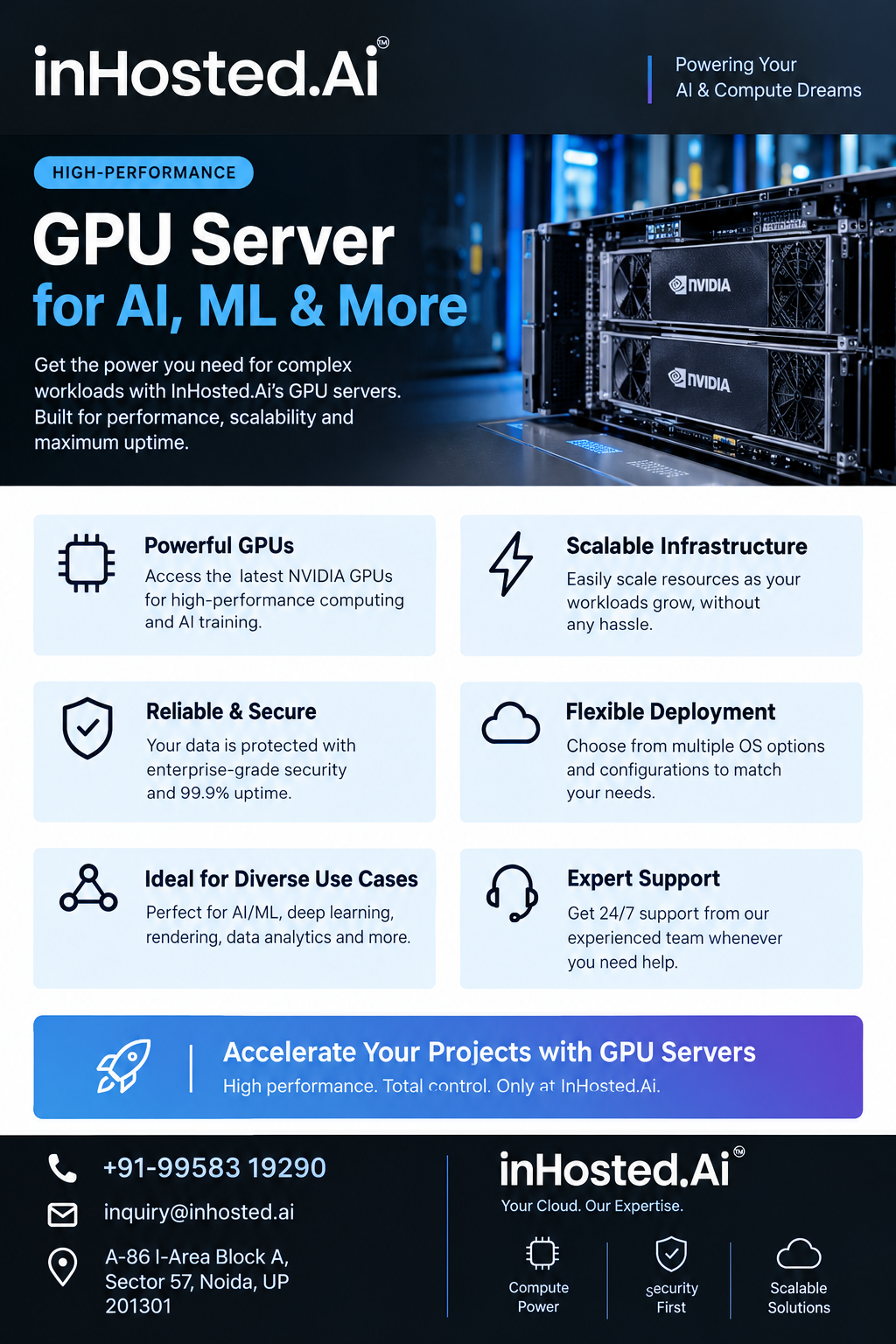
Computing requirements have changed considerably as applications have become more data-intensive. Artificial intelligence, machine learning, computer vision, scientific research, rendering, and large-scale data processing can involve operations that benefit from parallel processing. In these situations, a GPU server can provide specialized computing resources designed to handle suitable workloads efficiently.
The important point is that GPU infrastructure should be selected according to the workload. A GPU is not automatically the solution for every demanding application. The best starting point is understanding what the application does, how it processes information, and where its current performance limitations occur.
Understanding GPU-Accelerated Workloads
Traditional CPU-based applications often process tasks sequentially or with a relatively smaller number of powerful cores. GPUs are designed differently, with many processing cores that can work on suitable operations simultaneously.
This architecture can be particularly useful when an application contains highly parallel tasks. Machine learning is one common example. Training and processing models can involve large numbers of mathematical operations that are suitable for GPU acceleration.
Other examples include image processing, video workloads, 3D rendering, scientific calculations, simulations, and technical visualization.
Choosing Based on the Workload
One of the first steps in planning a GPU environment is identifying the workload characteristics.
For AI development, teams may need to consider model architecture, dataset size, training requirements, and inference patterns. For rendering, frame complexity and application compatibility may be more important. Scientific workloads can have their own memory and processing requirements.
This means there is no single configuration that works equally well for every organization. Workload profiling provides a more useful foundation for infrastructure selection.
GPU Memory and Data Requirements
GPU memory deserves particular attention when evaluating a server. Applications working with larger models, images, datasets, or complex computational tasks may require substantial memory capacity.
If a workload cannot efficiently fit its required data into available GPU memory, simply having a powerful processor may not solve the underlying problem. Understanding the application's memory behavior can therefore help teams avoid selecting infrastructure that does not match their requirements.
Data movement should also be considered. Applications may repeatedly transfer information between system memory, storage, and GPU resources. An efficient supporting architecture can help keep these processes manageable.
The CPU Still Has an Important Role
A GPU server is not just a GPU attached to a computer. The CPU continues to perform many important operations, including application control, data preparation, operating-system tasks, and communication with other components.
System memory also provides space for applications and datasets, while storage supports persistent data. Networking becomes important when data is transferred between the server, users, databases, storage systems, or other services.
Looking at these components together provides a more complete understanding of the infrastructure.
Software and Development Environment
Hardware performance is only one part of a successful GPU deployment. The software environment needs to support the applications being used.
Drivers, operating systems, GPU libraries, development frameworks, containers, and application dependencies can all affect deployment. Developers should verify compatibility before moving an existing application into a new environment.
Containerized workflows can be particularly useful for teams that want reproducible environments. They allow applications and their dependencies to be packaged together, making development and deployment easier to manage across different systems.
GPU Servers for AI Development
Artificial intelligence is one of the areas where GPU computing has become especially important. Developers can use accelerated infrastructure for model experimentation, training, computer vision, inference, and other AI-related workloads.
During experimentation, developers may need to run multiple tests with different models or datasets. A suitable GPU environment can provide the computational resources required to perform these experiments more efficiently.
As an application moves toward production, additional factors such as reliability, security, monitoring, network connectivity, and resource management become increasingly important.
Beyond AI and Machine Learning
The usefulness of GPU computing is not limited to AI.
Creative professionals can use GPU acceleration for rendering and visualization. Engineers may use it for simulations and technical applications. Researchers can benefit from parallel processing for certain scientific workloads. Media teams may use accelerated computing for video-related operations.
The common requirement is the ability of the application to take advantage of parallel processing. Organizations should therefore evaluate software behavior before assuming that GPU acceleration will improve every workload.
Security and Access Management
Specialized computing resources may be accessed by multiple developers, researchers, or applications. Appropriate access controls can help organizations manage who can use particular resources.
Authentication, permissions, network controls, monitoring, and operational policies are useful considerations when building a production-oriented GPU environment.
For cloud deployments, these controls can become part of the overall infrastructure strategy rather than being treated as an afterthought.
Why Cloud Infrastructure Can Be Practical
Building and maintaining specialized physical hardware may not be suitable for every team. Some organizations have changing workloads and may need computing resources for development, testing, temporary projects, or scaling applications.
Cloud infrastructure can provide an alternative approach by making specialized computing resources accessible through a managed environment. It can be useful when teams want to experiment with demanding workloads without designing an entire physical infrastructure stack from the beginning.
Exploring InHosted.ai
For organizations exploring cloud infrastructure for demanding workloads, InHosted.ai provides a platform to consider for computing requirements involving GPU-based processing and other cloud workloads.
The right GPU server environment ultimately depends on the application, data, software stack, performance requirements, and operational goals. Instead of choosing infrastructure based only on processor specifications, teams can evaluate the complete environment and select resources that align with how their applications actually work.
As AI, visualization, simulation, and data-intensive applications continue to develop, having a well-planned accelerated computing environment can help technical teams build workflows around their actual processing requirements.