NAS Storage for Centralized, Secure and Scalable Data
A centralized storage approach for teams dealing with growing digital workloads.
The amount of information handled by modern businesses continues to increase. Everyday operations can generate documents, spreadsheets, images, videos, application files, customer records, backups, and many other forms of digital data. When these files are spread across employee computers, portable drives, and unrelated storage systems, managing them can become unnecessarily complicated.
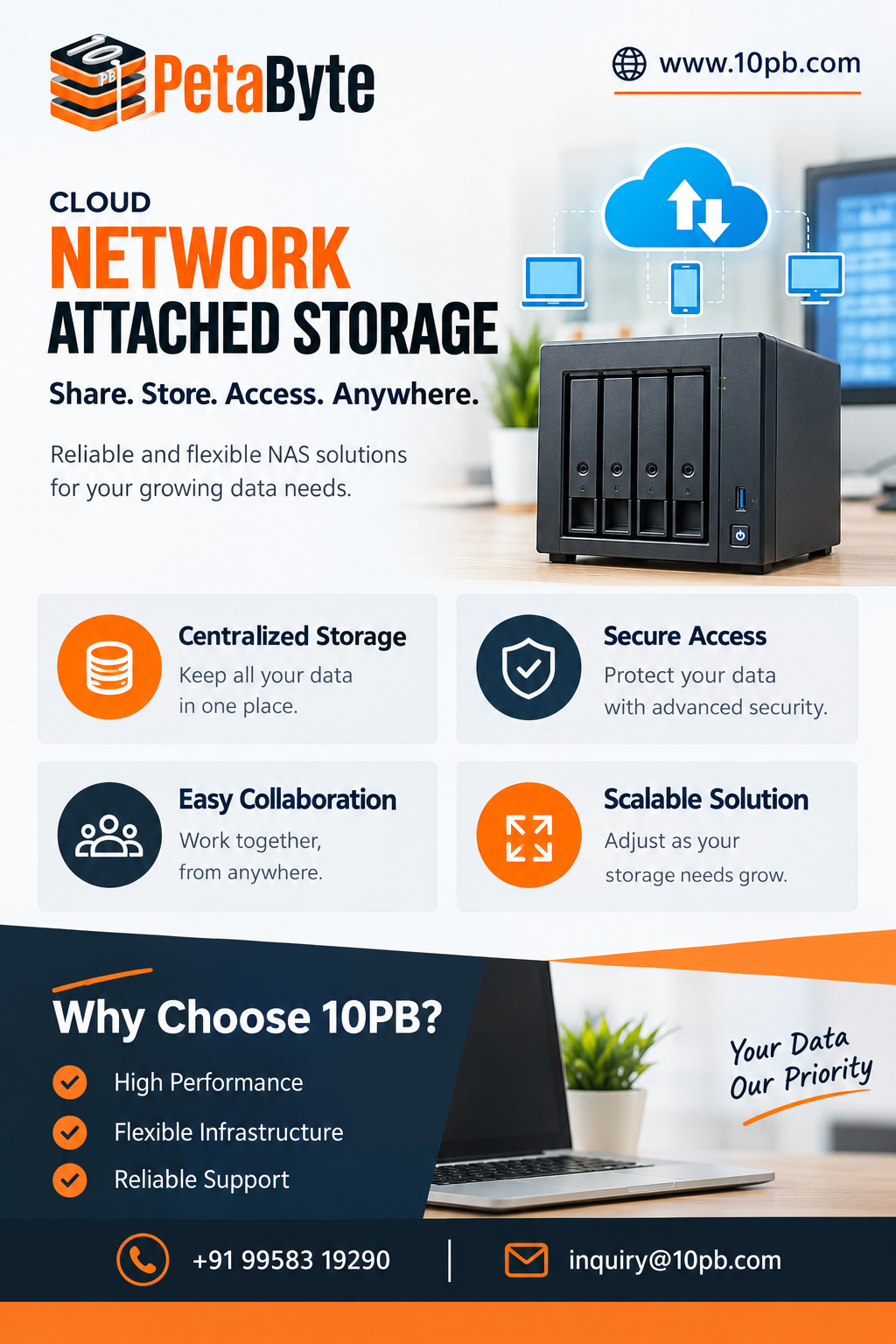
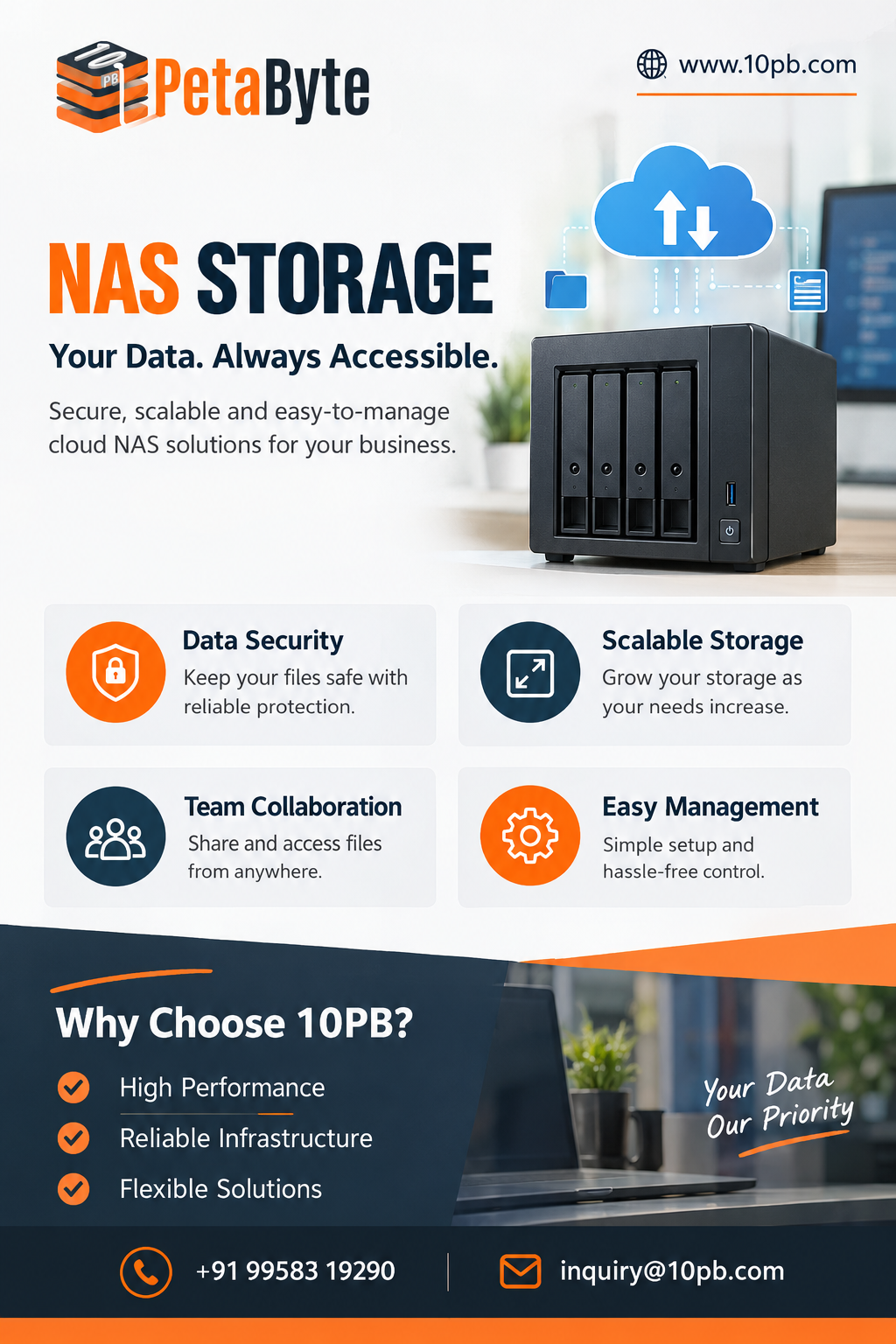
A centralized storage environment can provide a more organized way to handle this information. NAS storage, short for Network Attached Storage, allows businesses to create a shared storage environment that authorized users can access through a network.
Instead of keeping important files on individual devices, teams can use a central location for common business data. This can improve organization while also creating a foundation for controlled access and collaboration.
Why Centralized Storage Is Useful
Imagine a business where every employee saves files on their own computer. Over time, important information becomes scattered. If someone needs a particular document, they may have to contact another employee or search through several systems.
This becomes even more challenging when multiple versions of the same file exist.
Centralized storage provides a common location for shared information. Businesses can create folders for departments, projects, clients, campaigns, or other categories that make sense for their operations.
This structure can make files easier to locate and reduce unnecessary duplication.
Improving Team Collaboration
Many business processes require several people to work with the same information. Marketing teams may share campaign assets, sales teams may use common presentations, and project teams may work with large collections of documents.
A shared storage environment can simplify these workflows.
Instead of repeatedly sending files through email or copying them to portable drives, authorized employees can access shared resources from the central environment.
This can be especially useful when teams regularly work with large files. High-resolution images, videos, design files, and project archives can be inconvenient to transfer repeatedly.
Controlling Access to Information
Centralizing information also makes access management an important consideration.
Businesses often have different levels of data sensitivity. Public project resources may be accessible to a wider team, while financial records or confidential employee information should remain restricted.
User and group permissions can help organizations control which people have access to specific folders or resources.
A good storage strategy should also include regular reviews of permissions. When employees change roles or leave the organization, their access should be updated promptly.
Managing Growing Storage Requirements
Data growth is one of the biggest challenges businesses face today.
A company may begin with a few hundred gigabytes of information and gradually grow into terabytes or more as operations expand. New customers, employees, applications, projects, and media assets all contribute to this growth.
This is why businesses should think about future capacity when selecting a storage environment.
A scalable solution can allow organizations to adapt as their requirements change instead of constantly replacing their storage infrastructure.
Storage and Backup Work Together
It is important to distinguish between storage and backup.
Centralized storage makes files available for everyday use, but a backup provides another copy that can be used when the original data is lost or damaged.
Accidental deletion, hardware problems, ransomware, software issues, or user mistakes can affect business information. Depending entirely on one storage location can therefore create unnecessary risk.
Organizations should maintain a separate backup and recovery strategy alongside their storage environment. Regular backups, recovery testing, access controls, monitoring, and other protective measures can help improve overall data resilience.
Common Use Cases
NAS can be useful across many types of organizations.
Creative agencies can use centralized storage for large design projects and media files. Software teams can organize documentation and project resources. Educational organizations can manage learning materials and administrative information. Professional service companies can store customer documents and internal files.
The requirements will vary, but the need for organized and accessible data remains common.
Selecting the Right Storage Solution
Businesses should evaluate several factors before choosing their storage infrastructure.
Capacity should be based on both current usage and expected growth.
Performance should match the number of users and the type of files being accessed.
Security should include appropriate authentication, access controls, and data protection practices.
Accessibility should reflect how employees work and which devices or locations need access.
Scalability is important for organizations expecting significant data growth.
Recovery planning should also be considered so that important information can be restored after unexpected incidents.
Taking a complete view of these requirements can help businesses choose infrastructure that fits their actual workloads.
Creating a Better Data Management Environment
A good storage strategy is not only about having enough space. Businesses need a clear approach to organizing, accessing, protecting, and recovering their information.
10PB provides cloud storage solutions designed for different business and data-management requirements. Its Cloud NAS Storage Solutions offer a centralized approach for organizations looking to manage files and information in a structured environment.
Businesses should assess their own needs before deciding on a specific configuration. A company managing mostly documents may have very different requirements from a creative organization handling large video files or an enterprise managing extensive backups.
Nevertheless, centralized storage can provide a strong foundation for many workloads.
Final Thoughts
As digital information becomes increasingly important to everyday business operations, organizations need practical ways to keep their data organized and accessible.
NAS storage can help businesses centralize files, support collaboration, manage user access, and prepare for increasing data volumes. When combined with appropriate security measures and a separate backup strategy, it can become an important component of a broader data-management plan.
The objective is not simply to store more information. It is to create an environment where the right people can access the right data efficiently while the organization maintains appropriate control over its information.