Cloud Server Architecture: Building a Flexible Hosting Environment
A practical overview of cloud-based computing for organizations managing modern digital services.
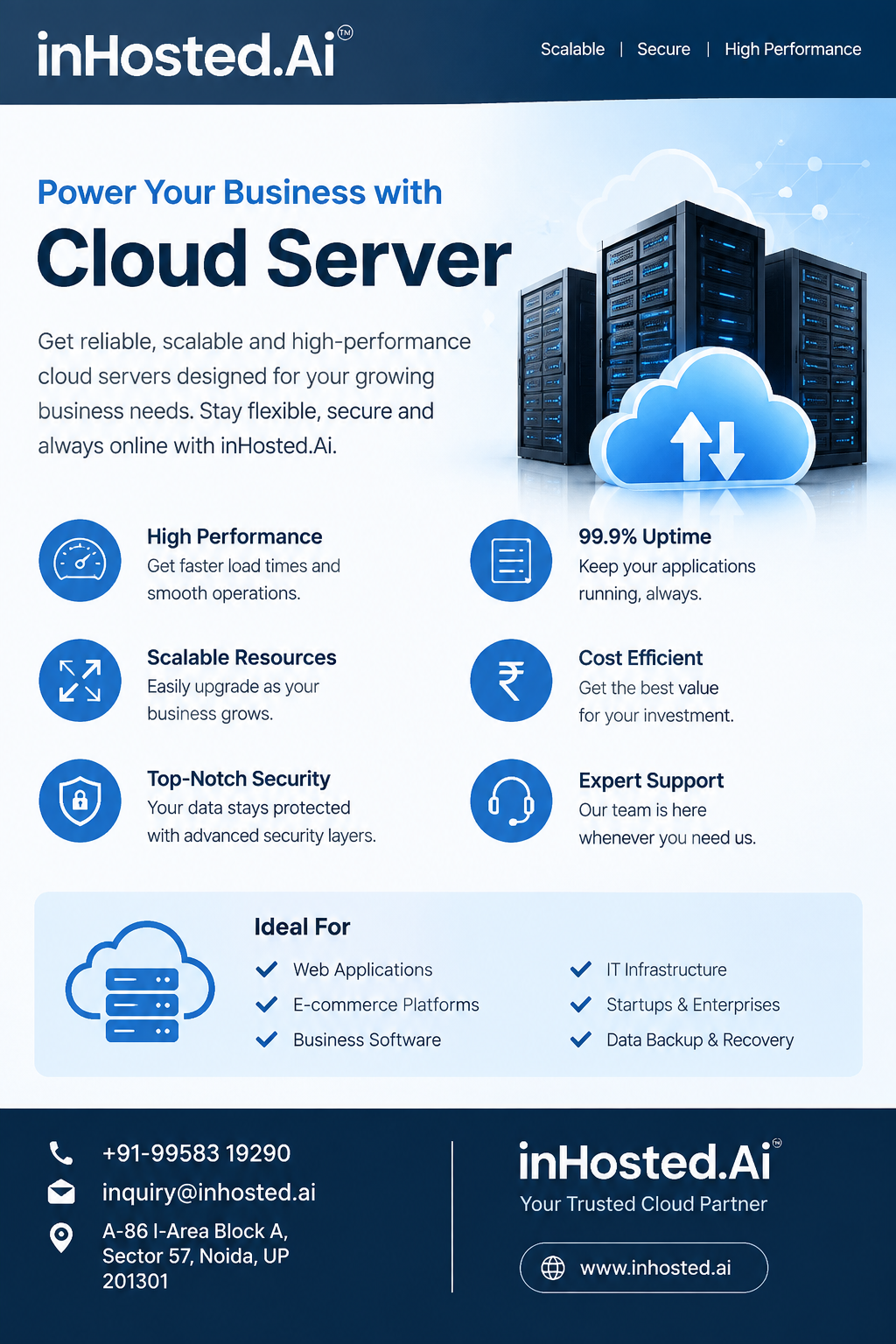
Choosing server infrastructure is an important decision for any organization that depends on digital services. Websites, applications, databases, APIs, and internal platforms all require computing resources, but their requirements are rarely identical. As workloads change and businesses expand, infrastructure also needs to accommodate new demands.
A cloud server can provide a flexible environment for hosting these workloads.
Cloud servers are virtualized computing environments that operate within cloud infrastructure. They can provide processing, memory, storage, and networking resources for different applications. The exact configuration depends on the workload, but the underlying model gives businesses another way to approach server deployment without relying exclusively on fixed physical infrastructure.
How Cloud Server Infrastructure Works
A cloud server operates through virtualization within a larger physical infrastructure environment. The physical resources are used to provide virtual computing environments that can be managed for individual workloads.
From an application perspective, the cloud server functions as a computing environment where software can be installed, configured, and operated.
This model can be useful for businesses because infrastructure can be evaluated according to workload requirements rather than being defined only by a particular physical machine.
However, cloud infrastructure still requires planning. Organizations need to understand how their applications use CPU, memory, storage, and network resources before selecting a suitable configuration.
Identify the Workload First
The first step in selecting a cloud server is understanding what needs to run on it.
A business website may require a relatively simple environment. A database-driven application may have higher memory and storage requirements. A development platform may have another resource profile entirely.
Businesses can review:
Application type
Expected traffic
CPU utilization
Memory requirements
Storage needs
Network activity
Software dependencies
Expected growth
This information helps create a practical infrastructure requirement.
Cloud Servers for Web Hosting
Websites depend on server infrastructure to process requests and deliver content to visitors.
A cloud server can provide an environment for hosting business websites and web applications. As traffic changes, organizations can review whether their existing infrastructure continues to match the workload.
It is important to remember that website performance is influenced by more than server resources. Application code, databases, caching, content optimization, network conditions, and third-party services can all contribute to performance.
A well-planned server environment should therefore be considered as part of the complete website architecture.
Applications and APIs
Cloud servers can also support application workloads.
Modern businesses frequently use APIs and software platforms to connect different systems. These services need reliable computing environments to process requests and communicate with databases or external systems.
A cloud server can provide infrastructure for deploying these workloads.
Development teams can also use cloud environments for testing, staging, and application development. Separating development activities from production workloads can help organizations structure their infrastructure more effectively.
Storage and Data Requirements
Server planning should not focus only on CPU and memory.
Applications generate data, and that data needs suitable storage. Businesses should consider the amount of information their workloads create, how quickly it grows, how frequently it is accessed, and how it should be protected.
Backup and recovery should also be considered for important application data.
Regular reviews can help organizations determine whether their storage environment continues to meet their requirements.
Security in a Cloud Environment
Cloud infrastructure still requires strong security practices.
Organizations should control administrative access, use appropriate authentication, maintain operating systems and applications, and regularly review permissions.
Monitoring can help identify unusual activity and resource usage.
Security policies should also reflect the type of workload being hosted. A public-facing web application may have different security requirements from an internal development environment.
Monitoring Cloud Resources
Resource monitoring is useful for understanding how a cloud server is being used.
CPU, memory, storage, and network utilization can provide valuable information about application behavior.
For example, consistently high CPU utilization may indicate an application workload that needs optimization or additional resources. Increasing storage consumption can also indicate that infrastructure planning needs to be revisited.
Monitoring turns infrastructure management into an ongoing process instead of a one-time configuration task.
Planning for Growth
A business may have modest infrastructure requirements today but significantly different requirements later.
New customers, additional applications, larger databases, and increased website traffic can all affect resource consumption.
Cloud infrastructure can be considered when businesses want an adaptable approach to these changing requirements.
Organizations should still establish sensible resource planning and regularly review usage. Flexibility works best when it is supported by monitoring and clear infrastructure policies.
Cloud Server Management
Running workloads in the cloud does not remove the need for administration.
Businesses should maintain their software environment, manage access permissions, monitor resources, review security settings, and maintain suitable backup procedures.
Documentation can also be valuable. Recording server configurations, applications, dependencies, and recovery procedures can make infrastructure management easier, particularly when multiple people are involved.
Evaluating Cloud Server Providers
Before selecting a cloud server provider, organizations can review several practical areas.
These include available computing configurations, storage choices, network capabilities, security controls, management tools, backup options, technical support, and the ability to accommodate changing workloads.
The best configuration depends on the specific application.
Instead of choosing a server based only on a large resource specification, businesses should match infrastructure to actual workload requirements and expected growth.
Exploring InHosted.ai
InHosted.ai provides cloud-focused hosting and infrastructure solutions that businesses can explore when evaluating cloud computing options.
Organizations can begin by identifying their workload requirements and then review how a cloud server environment can support those applications.
Whether the workload involves a website, application, database, development environment, or another digital service, infrastructure should be planned around actual technical requirements.
A cloud server can provide a practical foundation for businesses that need flexible computing infrastructure. It offers an alternative to relying exclusively on fixed physical hardware and can support organizations as their digital workloads evolve.
The key is to approach cloud infrastructure strategically. Understanding the workload, monitoring resources, protecting access, planning storage, and reviewing requirements over time can help businesses maintain an organized hosting environment.
As digital operations continue to expand, flexible infrastructure is becoming an important part of modern technology planning. Cloud servers give organizations another option for deploying and managing the computing resources behind their online services.